Granting the First Admin
Make the first platform admin with pnpm admin:grant, locally and in production, and what the command refuses.
Nobody becomes an admin by signing up, by an environment variable or from a page. The first admin is made on the command line, from the database.
Locally
- Sign up in your app and verify the email.
- Run:
pnpm admin:grant you@example.com- Open
/admin. The role is read on each request, so no sign-out is needed.
pnpm db:seed on a database on your own computer also creates a dev admin (admin@makerkit.dev, see apps/web/db/seed-users.ts). It never runs against a database elsewhere.
A coding agent can do this step locally with the kit_admin_grant tool.
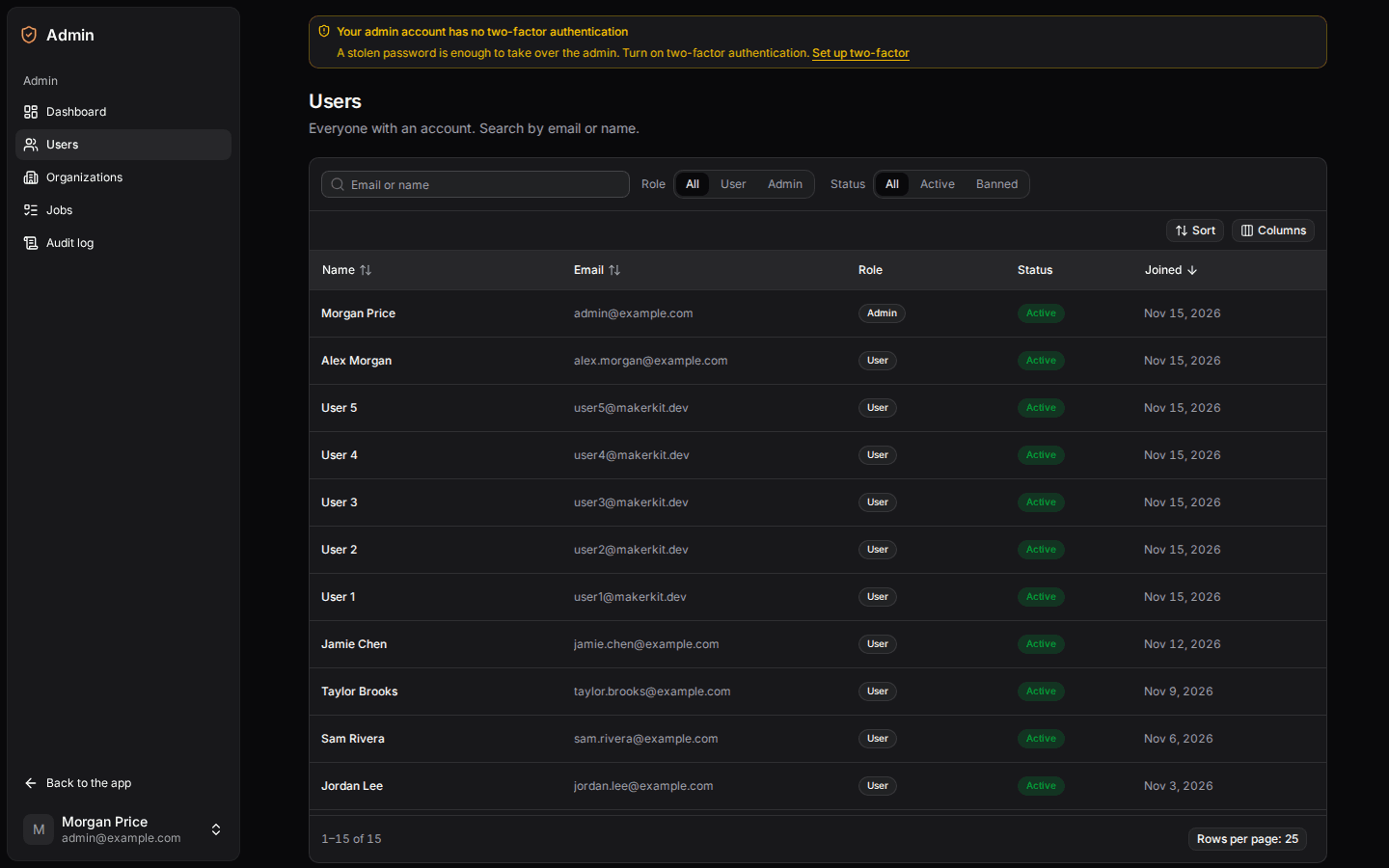 Click to expand
The admin users directory in dark mode, populated with synthetic accounts.
In Production
Run it in your own terminal, never through an agent:
pnpm admin:grant you@example.com --remoteIt asks for your production database URL without echoing it, then for a yes before it writes. The URL is never stored. Agents don't write to the production database: for a remote database kit_admin_grant only hands you this step.
What It Refuses
The command promotes an existing account and changes nothing else (no account, password or demotion). It refuses, with a message, an account that is unknown, unverified (the address may belong to someone else's sign-up), banned or already an admin; a second run changes nothing.
Restoring an Admin
The platform keeps one: you can't change your own role, an admin can't be banned or signed out from the admin, and the last admin can't be demoted. If the only admin account is lost another way (you can no longer open it), run the command for another account.