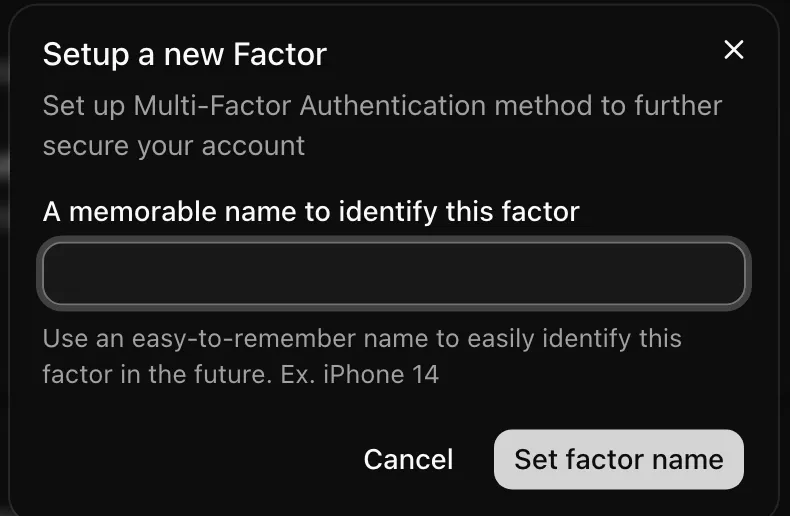

Multi-factor authentication
Users enroll an authenticator app and are challenged for a code at sign-in.
Inside MakerKit
> Add a projects table scoped to team accounts
Context your harness loads
Root rules first, then the folder the agent works in
Products built on MakerKit
 AmplefoundAI-organic growth agent
 GondlaThe first content engine designed for Hybrid Search Visibility
 ConvoQualitative Research At Scale
 QA.techShip faster with AI agents that create and run your QA tests
 ReplybossFind relevant posts on X. Grow faster and sell more.
 ReplenoInventory management for craft & small businesses
Business rules live in RLS and versioned /api/v1 handlers, so old app binaries never enforce stale rules. Sign-in with MFA and OAuth, teams, members, invitations, and roles are native screens, not a WebView. Checkout stays on the web to avoid the 15% to 30% app-store commission.
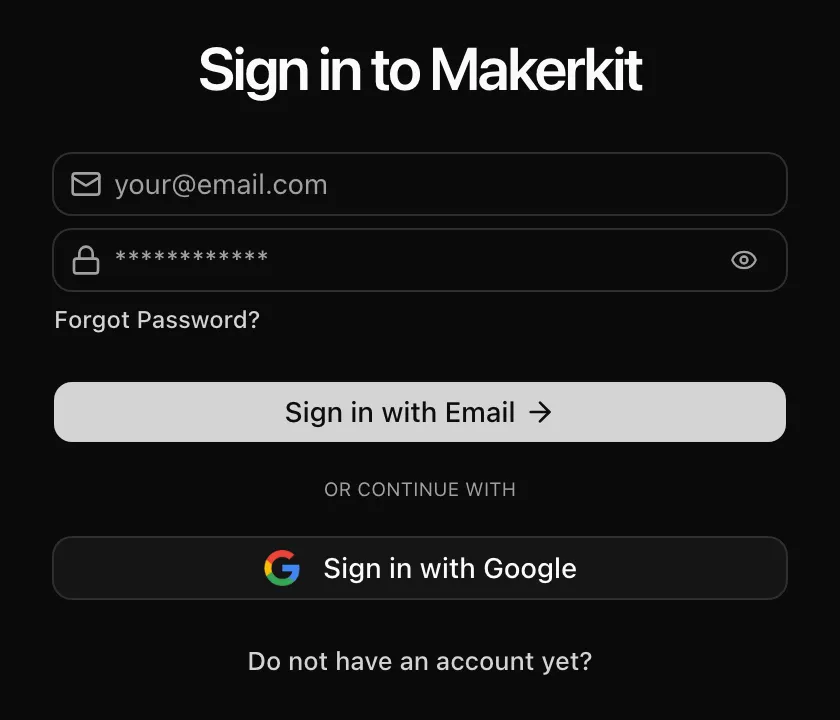
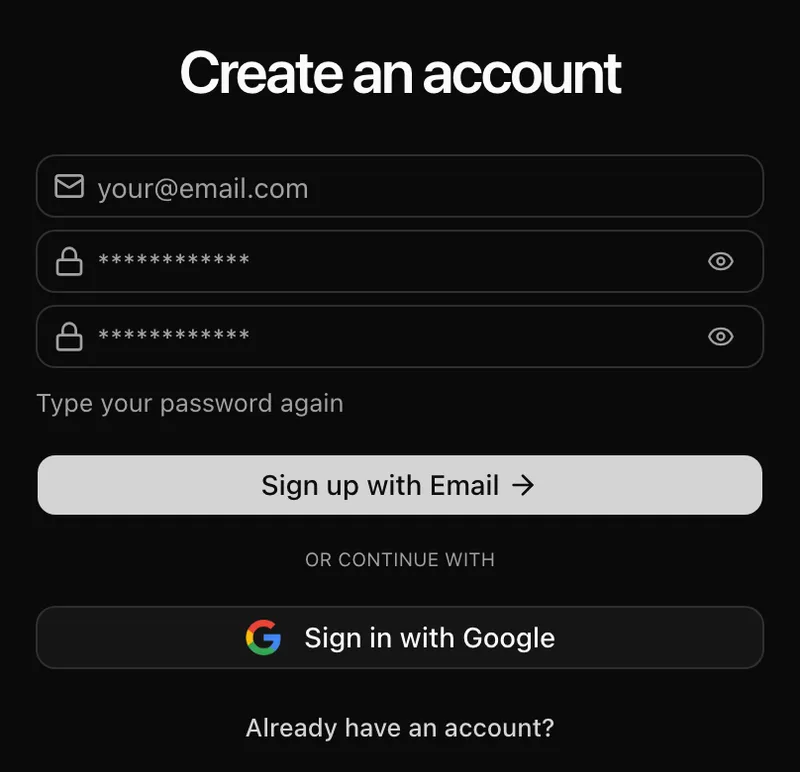
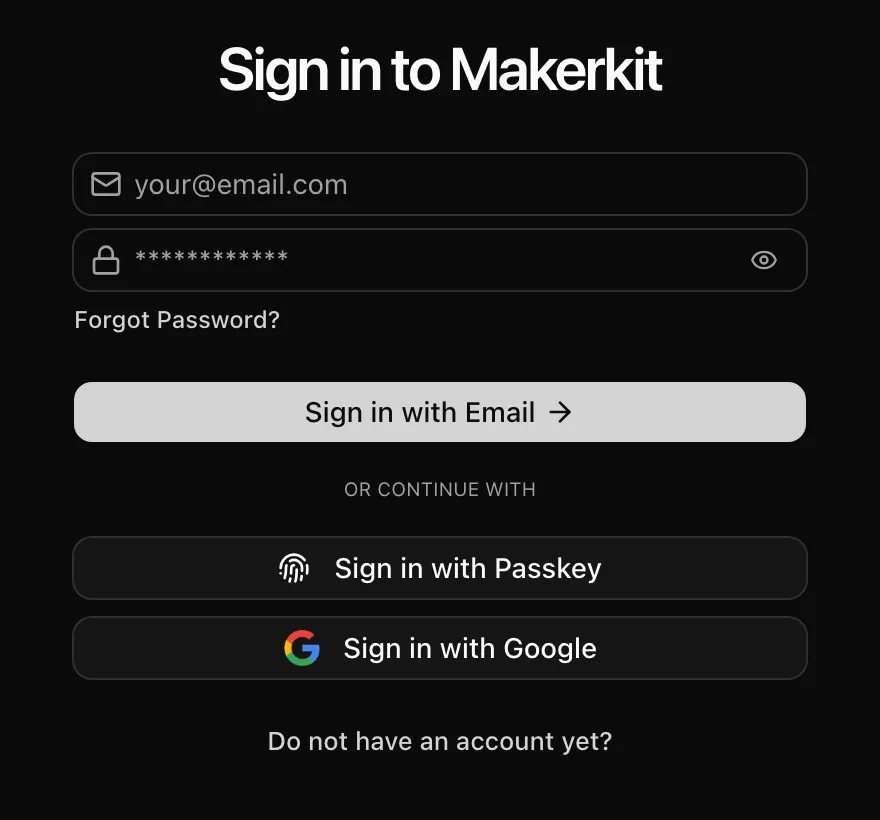
Password, magic link, passkeys, OAuth and multi-factor authentication, with the emails that go with them.
Users enroll an authenticator app and are challenged for a code at sign-in.
Templates written in JSX with React Email, sent through Resend or Nodemailer (SMTP).
Password, magic link and social sign-in, configured per environment.
Opt-in sign-in with Face ID, Touch ID, Windows Hello or a security key. No password to phish.
Passwordless sign-in: users get a one-time link by email instead of typing a password.
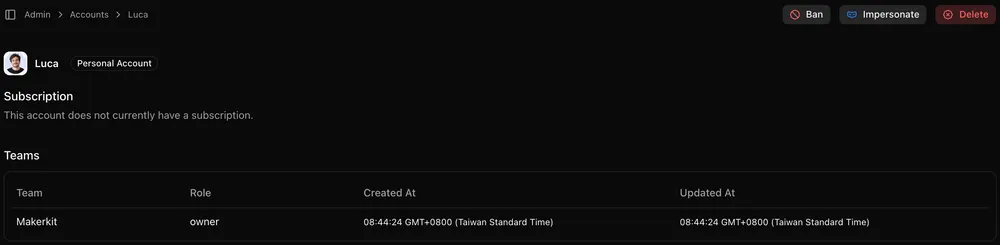
The multi-tenant SaaS boilerplate parts: auth, billing, teams with roles, and a super admin that can impersonate or ban users and teams, plus the screens your customers use to manage them.
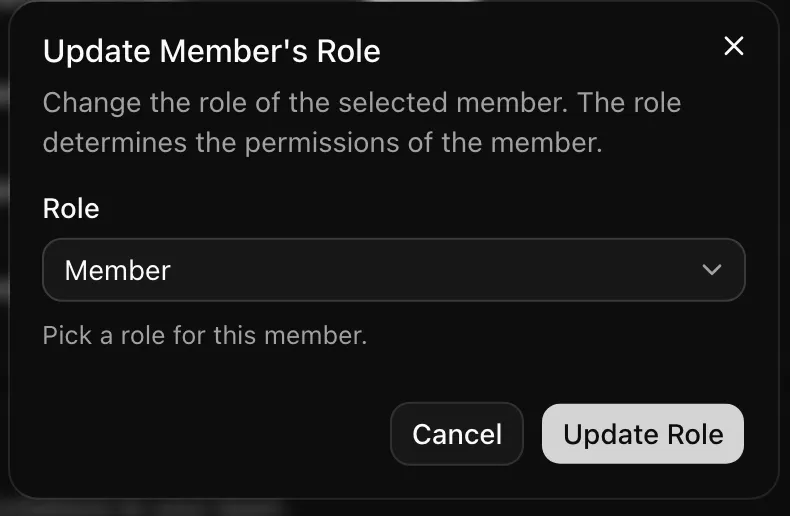
Roles map to permissions that your code and your database policies both check.
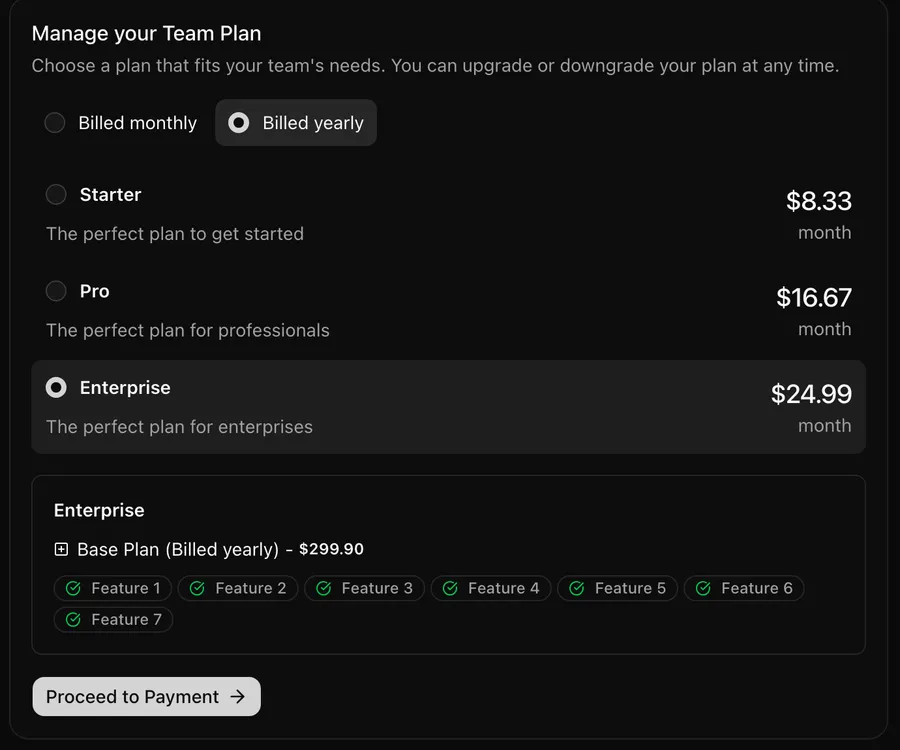
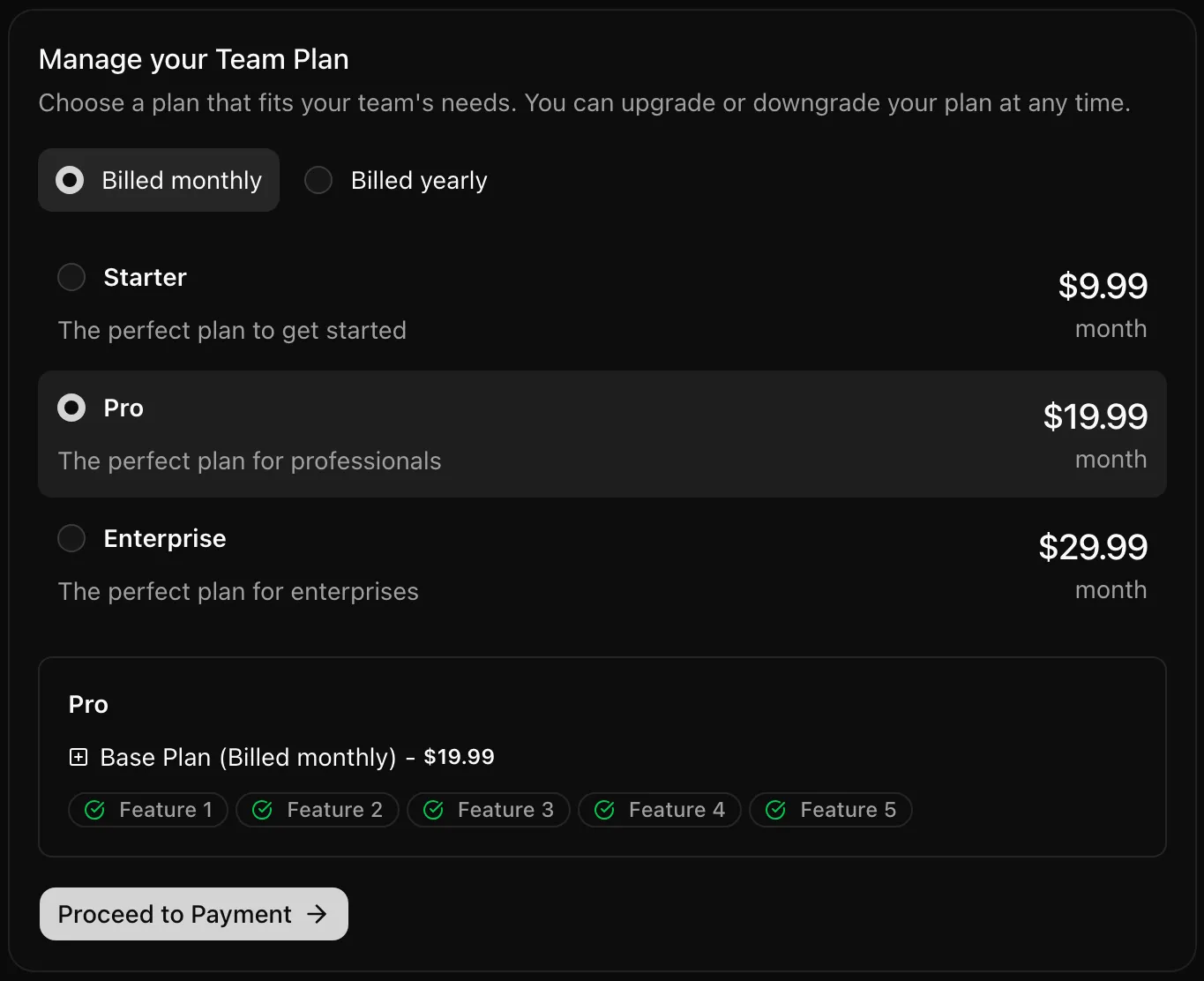
Users change plans, update payment methods and download invoices without a support ticket.
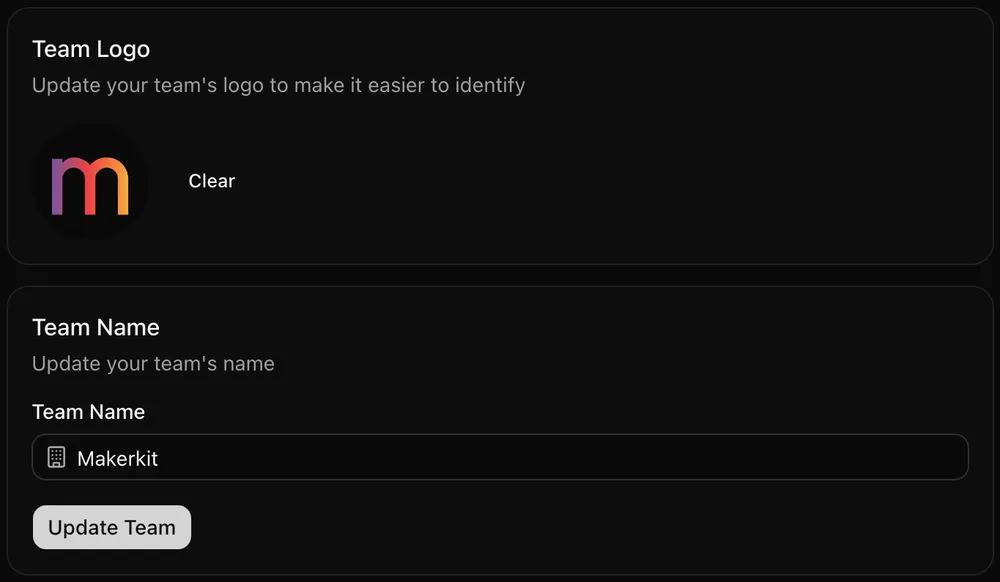
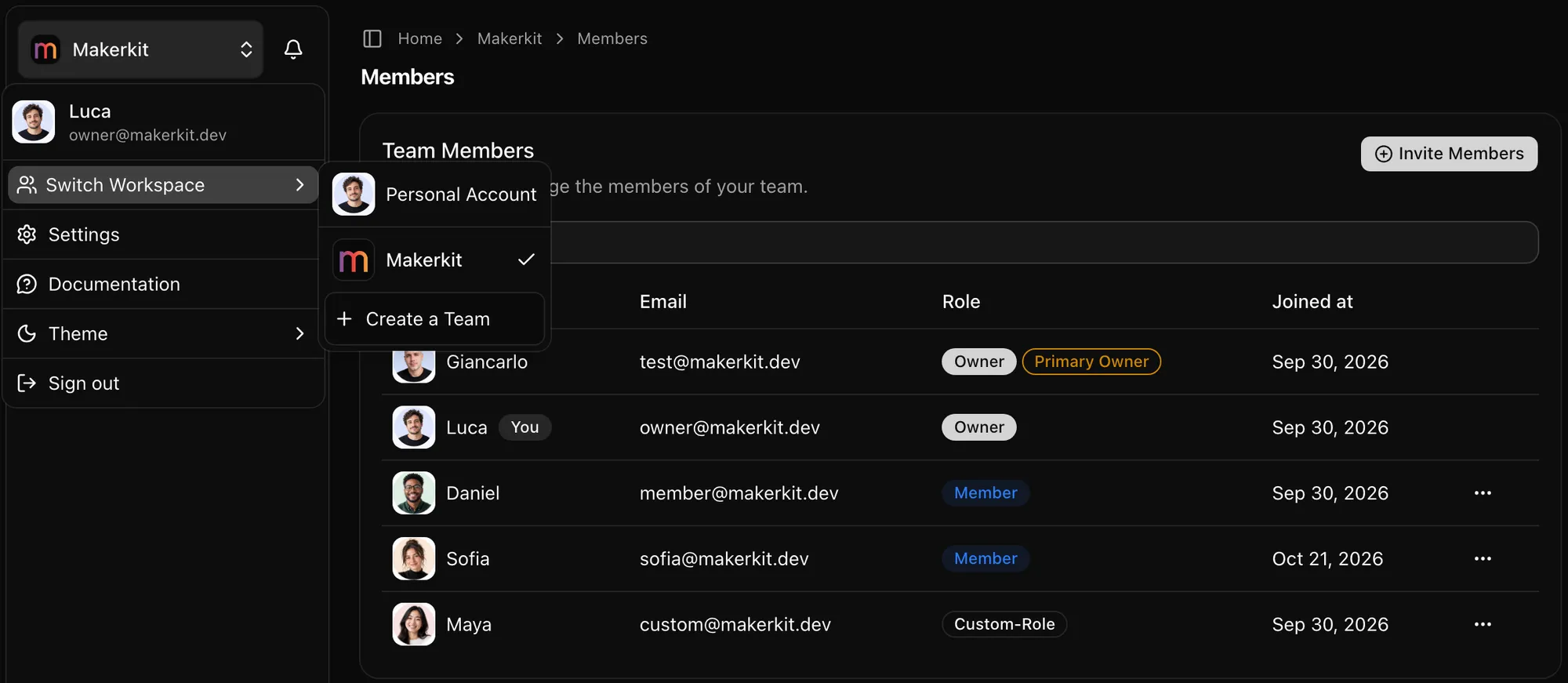
Users belong to several teams and switch between them, or work in their personal account.
Flat, per-seat and metered subscriptions through Stripe Checkout, with webhooks that keep plans and seats in sync with your database.
Billing, email, CMS and monitoring sit behind interfaces, so changing provider is configuration, not a rewrite.
Every UI string comes from translation files, so adding a language is content work.
Rules, an MCP server, skills and strict checks keep generated code in the kit’s patterns.
AGENTS.md files at the root and in each package teach coding agents the kit’s conventions.
Strict TypeScript and linting across the monorepo, so type errors surface before your users find them.
Gives Claude Code, Cursor, Codex and Gemini structured access to the kit: database, components, translations, checks and PRDs.
Tests for authentication, team accounts and invitations, written with page objects you can extend.
The full source lives in your repository. Nothing is hidden behind a package you cannot edit.
Slash commands for the work agents get wrong. /rls-review writes cross-tenant attacks as PgTAP tests and runs them; /reviewer reviews the diff and /bug-hunt sweeps the codebase.
The parts nobody lists until they are missing: content, deployment, documentation, and people to ask when you get stuck.
The setup, stack, and tooling are decided, so your first commit is a product feature.
Clone the repository, install dependencies, and start the dev server: the full SaaS runs locally, not a demo shell.
An Expo SDK 57 app (React Native 0.86, expo-router, TanStack Query, Uniwind) next to a Next.js 16 app, both on one Supabase project in a Turborepo monorepo.
Strict TypeScript, Oxlint, and oxfmt configured across the monorepo. The Rust-based Oxc toolchain keeps lint and format feedback fast as the codebase grows.
The same Supabase Auth users on both apps. On mobile, sessions live in the Keychain or Keystore and email flows use typed codes instead of links.
Secure email/password authentication with built-in password reset, email verification, and account recovery flows.
Passwordless sign-in: users click a link in their inbox and skip the password entirely.
WebAuthn passkeys: users sign in with Face ID, Touch ID, Windows Hello, or a hardware security key. Phishing-resistant, with nothing to reset.
Google, GitHub, Facebook, X, Discord, and many more OAuth providers ready to configure.
TOTP-based MFA to protect your users' accounts, with enrollment and challenge screens included.
Teams, members, invitations, and roles work natively, enforced by the same RLS policies and services as the web app.
Full B2B multi-tenancy support. Let customers create workspaces, manage teams, and collaborate securely.
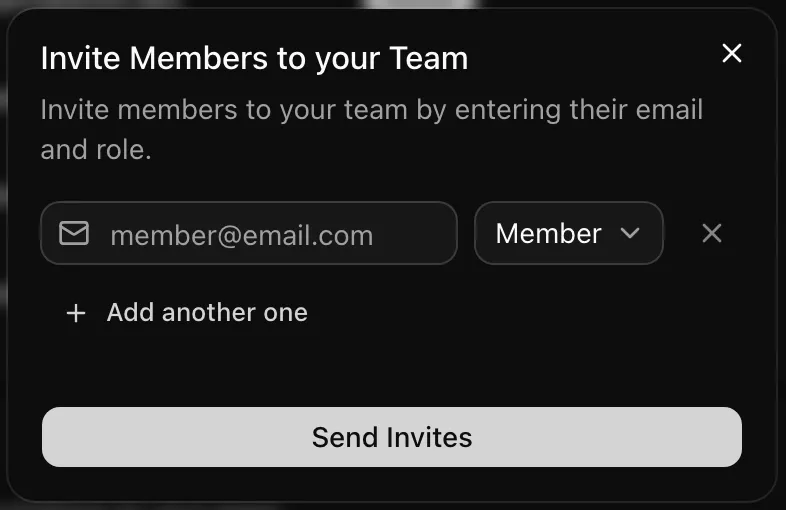
Email-based invitation system with role assignment. Onboard team members with a single link.
Granular role-based access control (RBAC). Define custom roles and permissions that match your product's needs.
Checkout and the customer portal run on the web app. The mobile app shows subscription status, and seat counts update when members change on mobile.
Stripe Checkout handles cards, Apple Pay, Google Pay, and other payment methods.
Self-service subscription management. Customers update payment methods, view invoices, and cancel without opening a support ticket.
Per-seat, usage-based, flat-rate subscriptions, or one-time purchases. Plans live in one billing schema that checkout and the pricing table both read.
Manage your users, organizations, and build your own internal tooling within the app.
See users, organizations, and subscriptions in one dashboard, restricted to super admins.
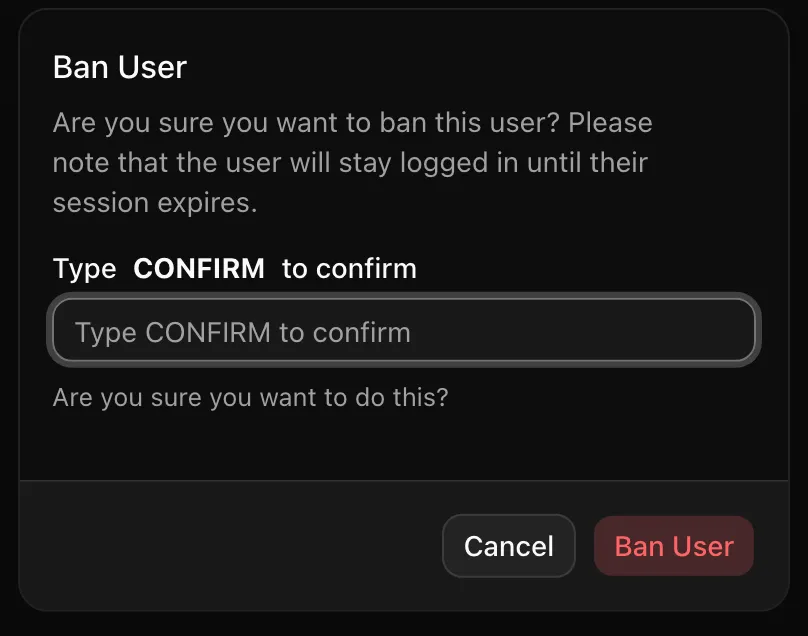
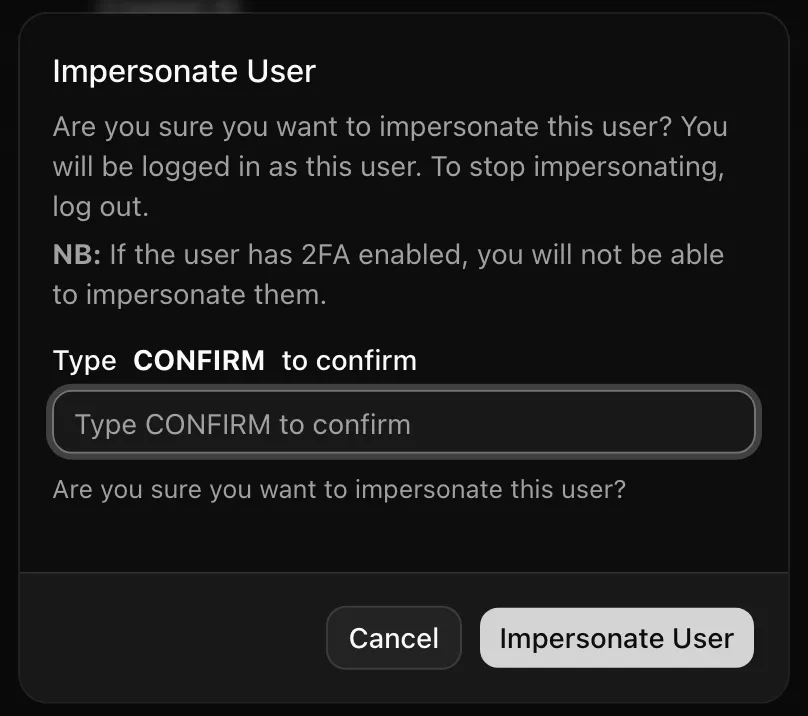
Explore, impersonate users, ban/delete accounts, all without touching the database.
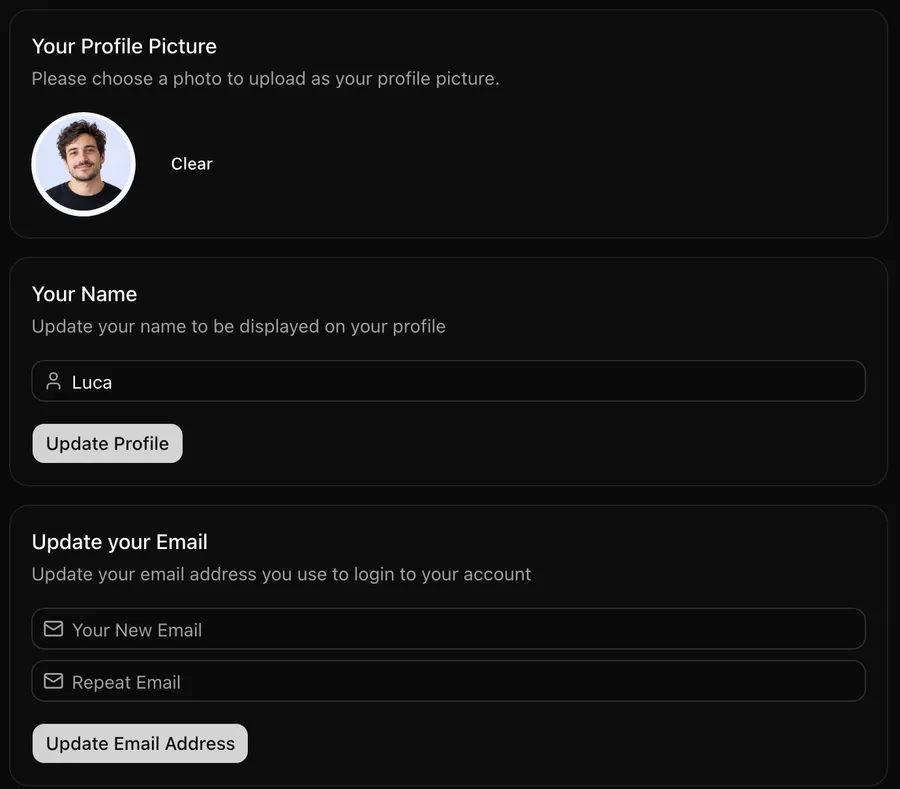
Screens for every flow, built from the same Shadcn UI components you will use for your own features.
A landing page template with hero, features, pricing, and call-to-action sections to adapt to your product.
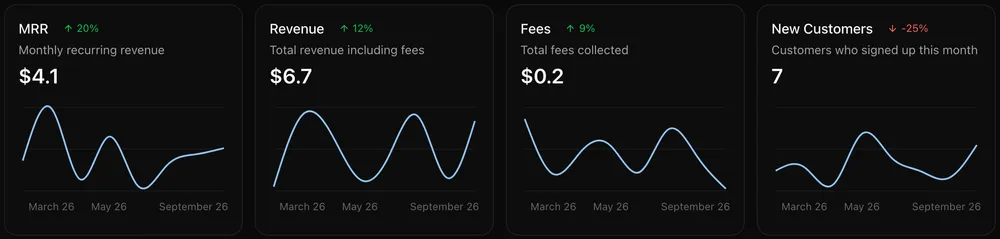
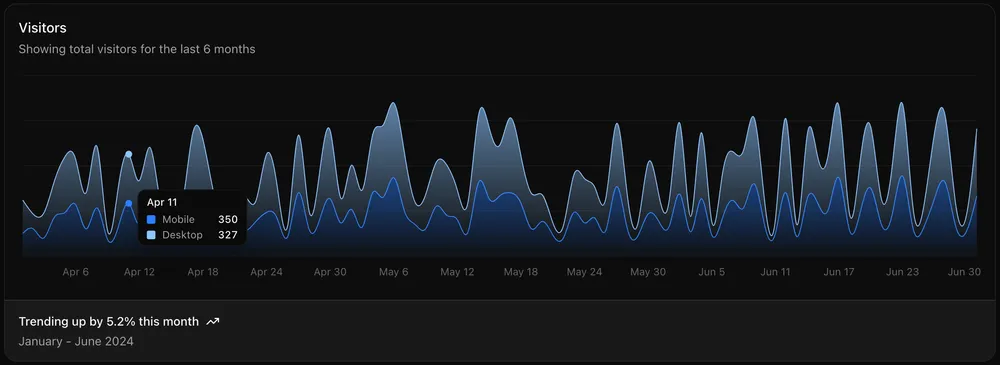
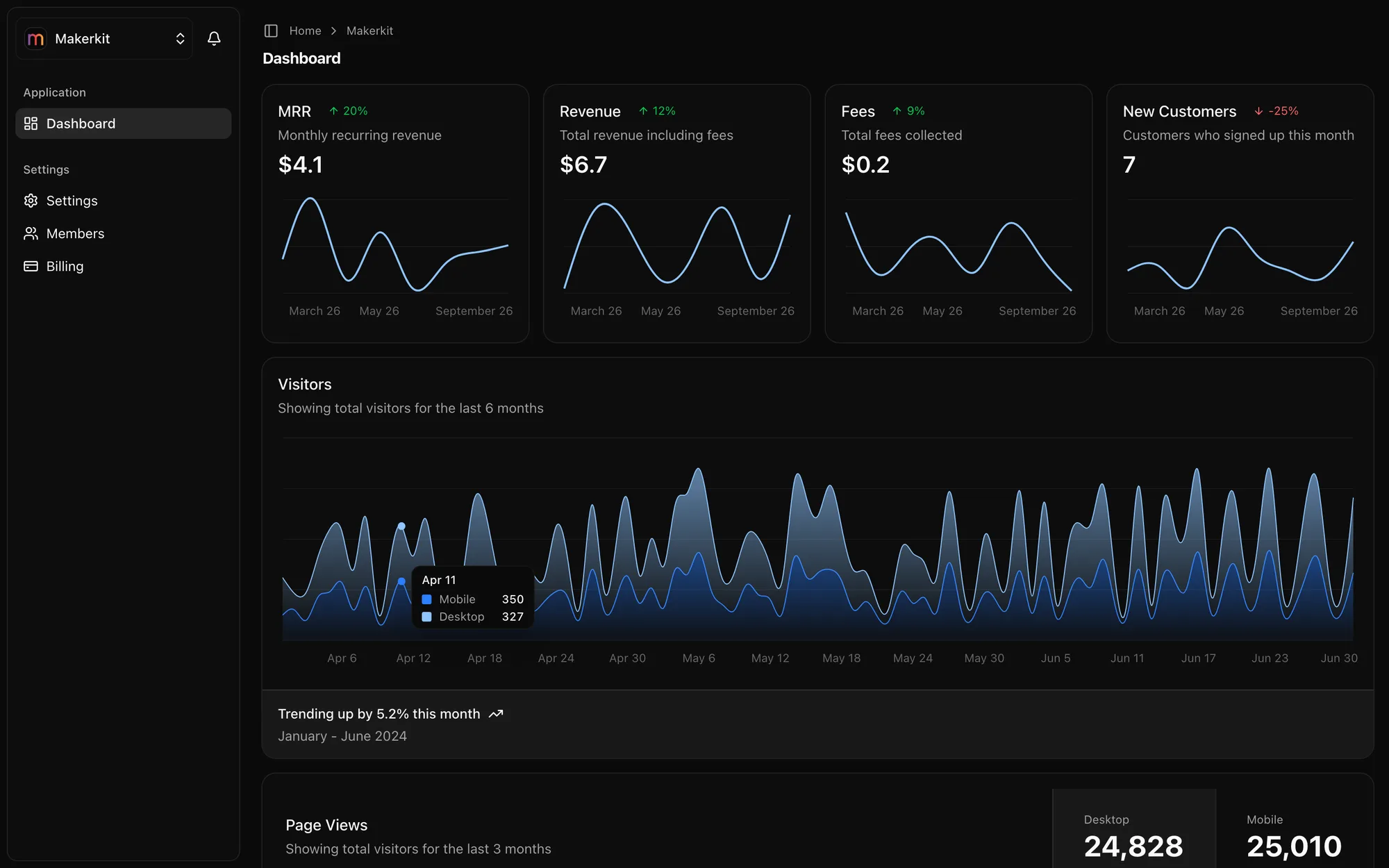
Dashboard demo components with charts, ready to wire to your own data.
Every Shadcn UI component pre-installed and themed. Browse, copy, and customize from our built-in dev tools.
A pricing table generated from your billing config: change a price in one place and the page follows.
Get found by your target audience with blog, documentation, changelog, and more.
A blog for product updates and SEO content, with per-post metadata and sitemap entries.
Reduce support load and improve user onboarding with the built-in documentation. Educate users and drive traffic to your product.
Keep users engaged with product updates. Announce features, fixes, and improvements in a dedicated changelog.
Comprehensive monitoring and testing tools to help you keep your SaaS running smoothly.
Pre-configured end-to-end tests for critical user flows. Ship with confidence, catch regressions before your users do.
Plug-and-play support for Sentry, PostHog, Signoz, and more. Monitor errors, track analytics, and debug production issues.
Ask me and the MakerKit community on Discord about setup, kit-related issues, and how the codebase fits together.
Developers and founders on the kits, the docs and the support. Every quote links to the original post.
just wanna say thanks to @gc_psk for building @makerkit_dev . it is such an overpowered template. like finally we have a really good one with active development, good docs and now even cursorrules/windsurfrules to just sit down and see ai agents do the stuff. truly mindblowing.

Built and maintained full-time by Giancarlo, a software engineer with almost 15 years of experience at startups and enterprises. Support questions reach me directly.
My favorite so far is @gc_psk and @makerkit_dev ship cursor rules along with updates to the framework. That's been really useful to pull in new version (via git remote) and things stay in sync.
Just started using MakerKit and it's a total game-changer. 🚀 Wish I had this when I was building Phishr. Instant team management and billing? Insane.
Second that! Giancarlo provides amazing support!! 😄
You need to check @makerkit_dev by @gc_psk — it’s the best I’ve seen so far. It’s feature complete, plenty examples, amazing docs, great Discord community, the dude provides support even days after his weeding (which is crazy!) I’m not affiliated in every way, just a happy cx.
Honestly @makerkit_dev is great. More for B2B products but really clean and well documented.
Amazing! @gc_psk has built a masterpiece with this one!
I just stumbled upon @makerkit_dev (and you!), it's impressive, I thought it was a big team behind how many features I saw (and I've been working in software a long time!) I was just looking for a free boilerplate, but the lifetime licence makes it a no brainer. Thank you!
I would have totally agreed with you until… I found @makerkit_dev last year. This is by far, the best boilerplate I found those past years. The dev is pushing new features and updates almost every week. His documentation (specially migrating to Next 15) is the best I’ve seen.
Makerkit is a gem for makers, if I was not building a desktop app I would be using it for sure, maybe for my next project
I landed on MakerKit after getting into boilerplates with ShipFast. Much better.
1000% recommend buying a good boilerplate (or making your own) I use @makerkit_dev it's so good I had an affiliate link, but I can't find it at the moment
For anyone who wants to build their own SaaS, I recommend trying out @makerkit_dev. Thanks to @gc_psk for creating such a fantastic tool that makes building websites a breeze! #SaaS #buildinpublic
We loved the product since when Giancarlo released the first version, and are building upon it ever since for all of our products. Highly recommended for all indie makers out there.
Solid and battle tested boilerplate with an amazing community and support.
The table covers the web SaaS the Expo app shares its backend with. Without it, you build these rows once for web and again for the API your app calls. With AI coding tools, that is still 49-81 hours of senior developer time, including fixing the patterns AI got wrong.
Hours with Claude Code or Cursor · bar shows the range on a 0–25h scale
Estimates for a senior developer building from scratch with Claude Code or Cursor at $150/hour, including 15-25 hours refactoring AI-generated patterns. Read the methodology
An Expo starter kit and a Next.js app in one monorepo, against one Supabase project. Authentication, teams, members, and roles work natively on iOS and Android.
MakerKit for React Native is an Expo SaaS starter kit that ships an iOS and Android app alongside a Next.js web app. Both apps share one Supabase project, one set of Postgres RLS policies, and the same validation schemas, with the native app reading and writing through a versioned REST API served by the web app.
Every screen is a React Native screen built with expo-router and React Native Reusables primitives.
The app calls the web app’s versioned /api/v1 handlers, so each business rule has one implementation.
Teams, members, invitations, and role changes run through the same RLS policies and services as the web app.
Sessions live in the Keychain or Keystore, and email flows use typed codes, so no deep-link setup is needed.
Checkout stays on the web to avoid the 15% to 30% commission; seat counts still update from mobile.
Add the Expo app to an existing MakerKit 4.x Next.js Supabase project with one idempotent CLI command.
Without MakerKit: A separate mobile backend duplicates every business rule
With MakerKit: One versioned API in the web app serves both clients
Without MakerKit: Email links that open in a browser with no app session
With MakerKit: Typed 6-digit codes for sign-up, reset, and invites
Without MakerKit: In-app purchase as a second billing system
With MakerKit: Web checkout, with subscription status shown in the app
Without MakerKit: A WebView wrapper around the web app
With MakerKit: Native screens with native navigation
The Expo kit is a variant of the Next.js Supabase kit. One-time purchase: lifetime license, continuous updates, unlimited projects of your own.
Pro A B2B SaaS Starter Kit for individual developers.
| Teams A B2B SaaS Starter Kit for teams of developers or companies.
|
Questions about licensing?
Read the MakerKit license terms and the MakerKit FAQ, or contact me.
Not covered here? Ask in Discord or contact me.
A MakerKit kit with a Next.js web app and an Expo (React Native) app in the same monorepo, sharing one Supabase project, one set of Postgres RLS policies, and the same validation schemas. The native app covers authentication, personal accounts, team accounts, members, invitations, and role-based permissions on iOS and Android.
Only for auth, MFA, and file uploads. Everything else goes through versioned /api/v1 route handlers in the web app, so business rules live in one place you can redeploy, and an old app binary installed on a phone never enforces an outdated version of them.
Yes, if you are on MakerKit 4.x and the Next.js Supabase variant. Running "npx @makerkit/cli@latest plugins add expo" copies the Expo app, the mobile UI package, and the versioned API routes into your repository, then wires up your config. Every step is idempotent, and an interrupted install rolls back instead of leaving a half-installed app.
No, by design. Selling digital subscriptions inside a mobile app requires platform in-app purchase, which carries a 15% to 30% commission and anti-steering rules, and shares no code with Stripe or Lemon Squeezy. Checkout stays on the web, the app shows subscription status, and per-seat counts stay correct when members change on mobile.
Push notifications, in-app notifications, magic link sign-in, and passkey sign-in are planned but not built. Billing checkout, the super admin, and marketing pages stay on the web on purpose. The docs keep a feature matrix with the status of every feature.
Expo SDK 57 and React Native 0.86, with React 19, expo-router for navigation, TanStack Query for data fetching, and Tailwind v4 compiled for React Native through Uniwind. It needs a development build rather than Expo Go, because it depends on native modules that ship config plugins.
A one-time purchase. You get a lifetime license to the source code, continuous updates for the stack you bought, and unlimited projects for your own business, with no renewal fee. Building products for clients requires a Team license, and each client that receives the code needs their own license.
Discord support from me, Giancarlo, the founder who works on MakerKit full-time, and from the community. I help with setup, kit-related issues, and questions about the codebase. Team licenses add a private Discord channel for your team.
Start from the Expo kit, or add it to your MakerKit 4.x Next.js Supabase project with one command. Your web app, RLS policies, and billing stay where they are.
Read the React Native kit docs