Debugging Environment Variables
Use the Dev Tools to inspect and debug environment variables.
The Dev Tools let you inspect environment variables, see validation errors, and compare effective values.
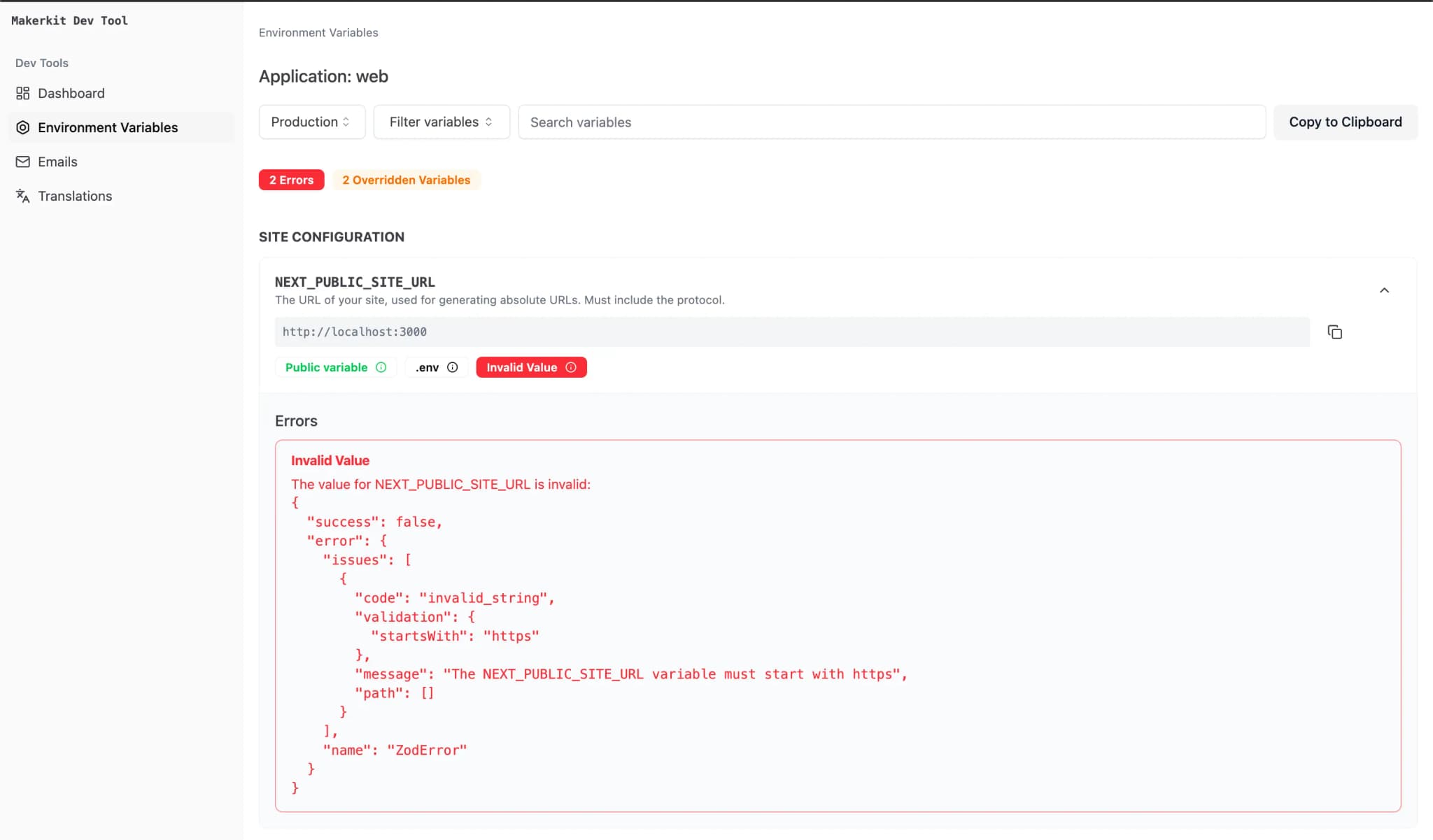 Click to expand
Getting Started
Run pnpm dev, then open http://localhost:3010/variables.
Modes
- Development mode shows the values loaded for local development
- Production mode helps you inspect a local production-style env setup
Debugging Production Values
If you need to debug production values locally:
- copy the values from your hosting provider
- place them in a local
.env.production.local - inspect them in Production mode
- delete the file or store it securely when done
Extending the Tool
To add custom variables to the Dev Tools UI, update:
apps/dev-tool/app/variables/lib/env-variables-model.ts