Adds one supamode schema. Your tables, data, and RLS policies stay untouched.
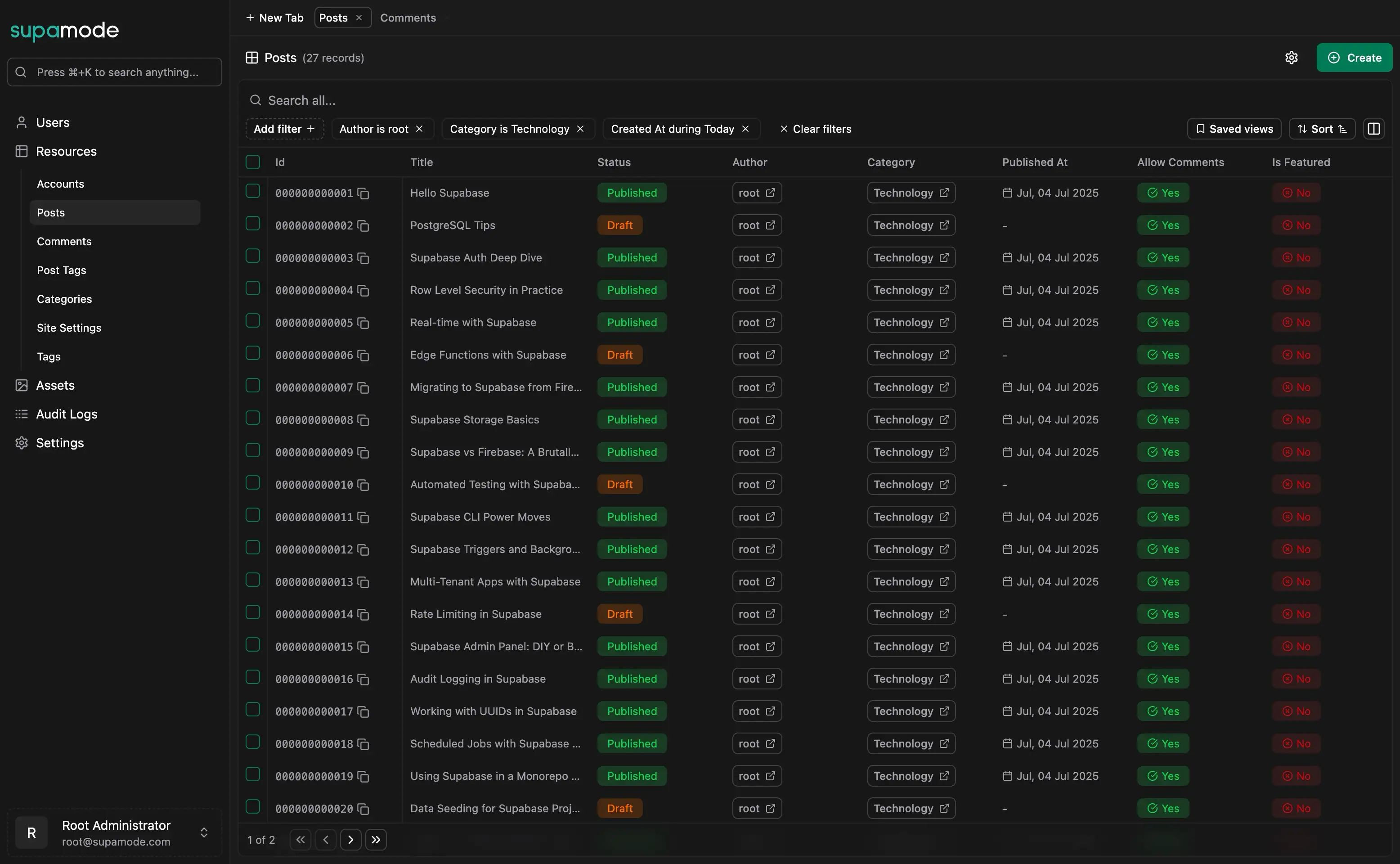
Supabase Admin Dashboard - Complete Database Management InterfaceDeploy an enterprise-grade admin panel that transforms your Supabase database into a user-friendly interface for your entire team.
Loading video...
Self-Hosted & Secure
Deploy on your own servers and keep complete control over sensitive database access.
No third-party access, no compliance risks, no monthly fees that scale with usage. Perfect for teams that need complete database control.
Built for Non-Developers
Support agents, managers, and team members get instant database access without touching SQL or learning database concepts.
Reduce developer bottlenecks and empower your team to manage data independently with confidence.
Fully Extensible Codebase
You get the full source code, not a hosted black box.
Change the interface, add features, integrate with internal systems, or white-label it for clients. Built with React 19, TypeScript, Hono, and Drizzle.
One-Time Payment
Pay once and use it forever, with no per-seat or monthly fees. The first year of updates is included; renewing costs half the license price and is optional.
Supabase Data ExplorerNavigate and query your Supabase database like a pro — no SQL required.
Loading video...
Browse Tables Without SQL
Move between tables, follow relations, and filter rows from one interface.
Your team finds the record they need without writing a query or opening Supabase Studio.
Smart Data Relationships
Foreign keys become clickable links, many-to-many relationships are handled automatically, and related data appears contextually.
Your team sees connections between customers, orders, products, and records without understanding database design. Turn your relational database into a user-friendly experience.
Advanced Filtering & Search
Find any record instantly with powerful search and filtering tools.
Create custom views for different teams, save frequently used filters, and let anyone build complex database queries through a simple interface.
Forms Generated From Your Columns
Create and update database records with automatically generated smart forms that understand your data structure.
Intelligent input controls, data validation, file uploaders for media, and searchable dropdowns for relationships.
Admin Analytics DashboardsBuild personalized analytics interfaces with drag-and-drop widgets and collaborative sharing for your Supabase data.
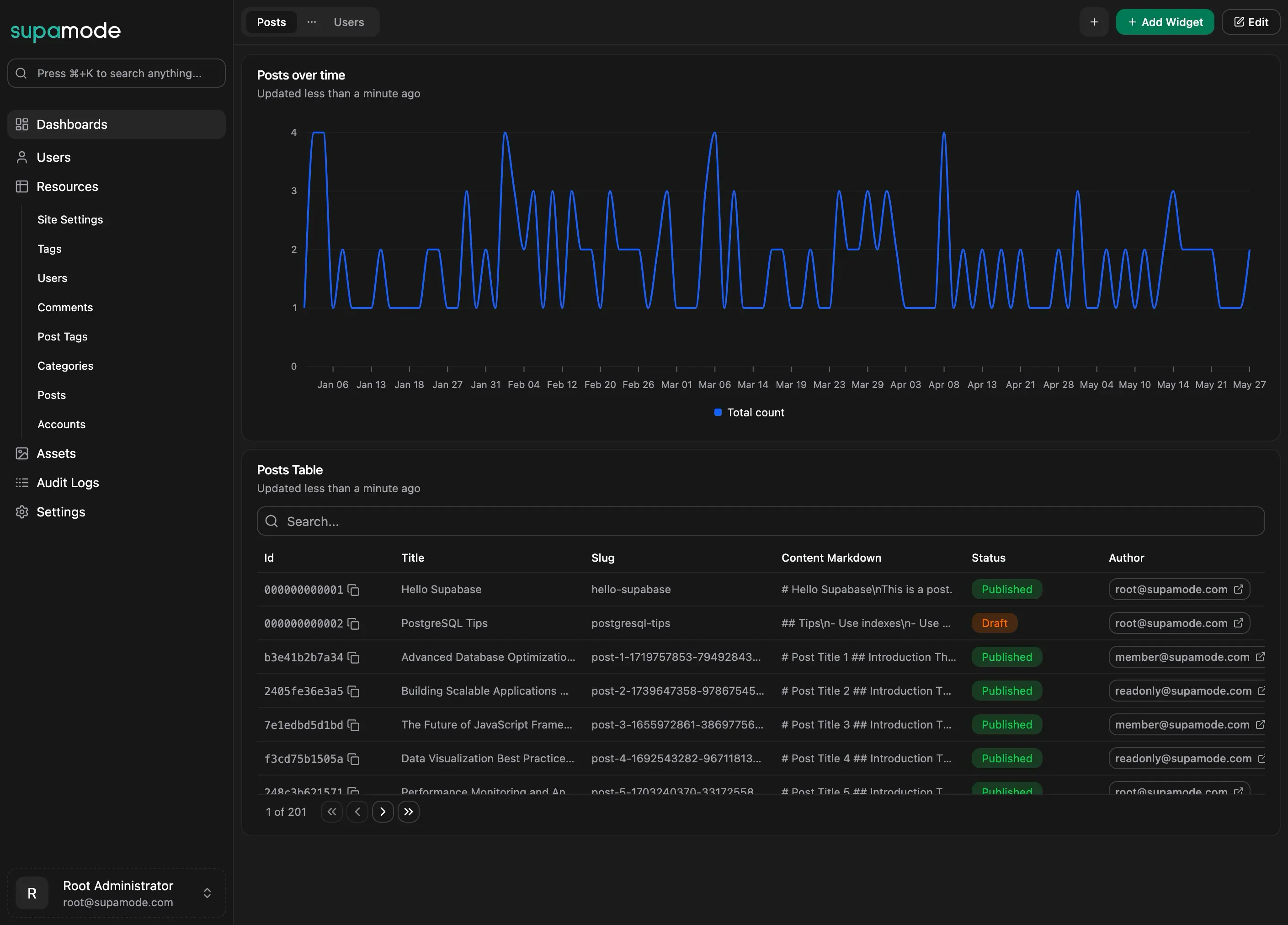
Charts, Tables, and Metrics
Chart widgets (bar, line, area) for trends, table widgets for row-level detail, and metric widgets for single KPIs.
Guided Widget Builder
A four-step wizard: name the widget, pick a data source, add filters, and check the live preview before saving.
Drag-and-Drop Layouts
Organize dashboards in tabs and arrange widgets on a drag-and-drop grid that works on any screen size.
Layouts persist across sessions. Data is cached and can be refreshed on demand.
Role-Based Dashboard Sharing
Share dashboards with View or Edit access per role, such as Support, Management, or Operations.
Database Permissions & User RolesGive everyone exactly the right level of database access. No more, no less.
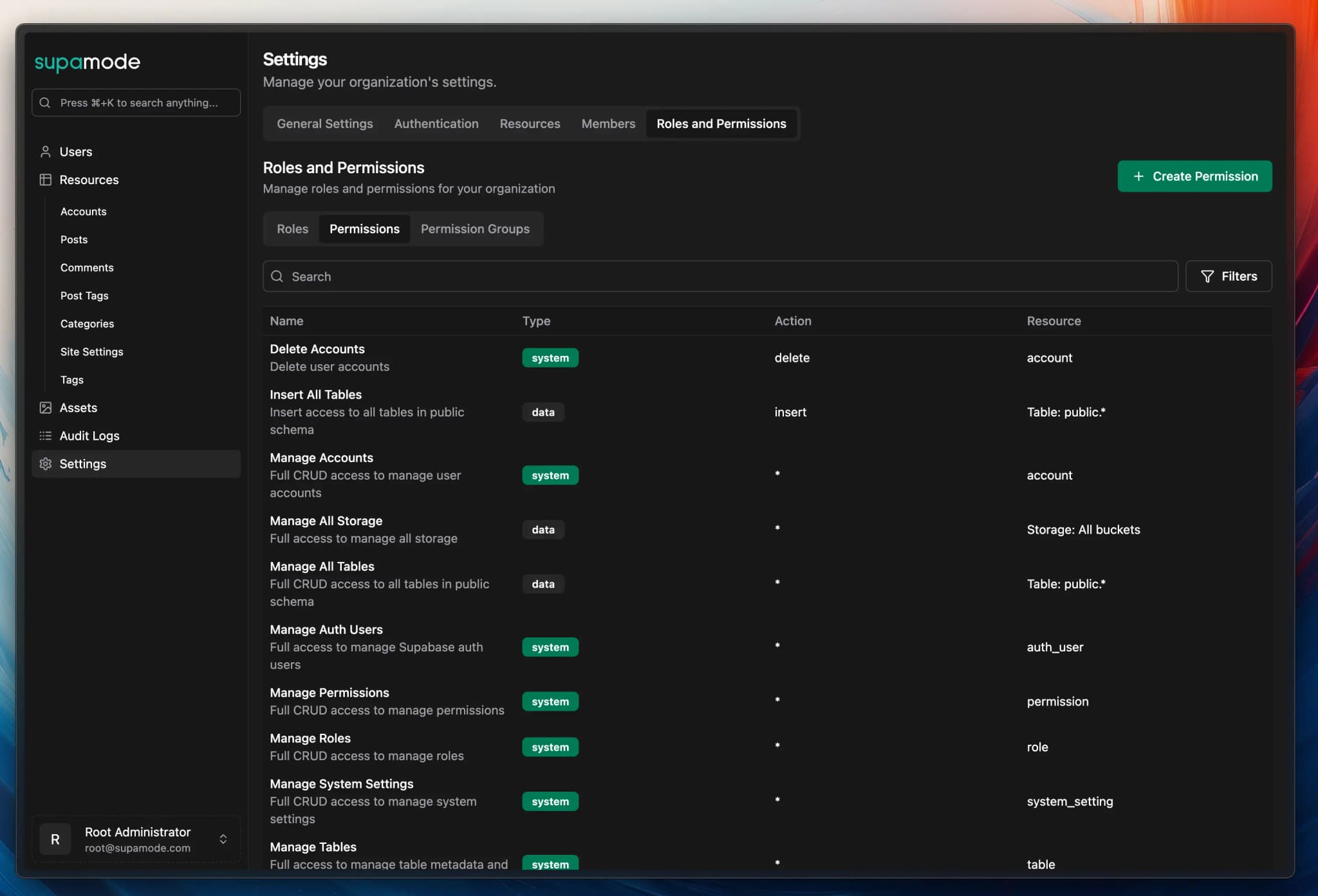
Role-Based Access Control
Create custom database roles that perfectly match your organization.
Support agents get customer record access, managers see analytics dashboards, and admins control everything.
Table & Storage Level Permissions
Control access down to individual database tables and storage objects.
Hide sensitive customer data from junior staff, restrict financial information to accounting teams, and ensure departments only see relevant tables.
Action-Based Restrictions
Separate read, write, update, and delete permissions for ultimate database control.
Users can view customer information but not modify it, analysts can read data but not edit it
Built-In Audit Logging
Track every database action with comprehensive audit trails. See who changed what data and when.
Your Supabase admin interface maintains complete accountability without slowing down your team.
Self-Hosted Database ManagementDeploy anywhere, customize everything, and maintain complete control of your Supabase admin interface.
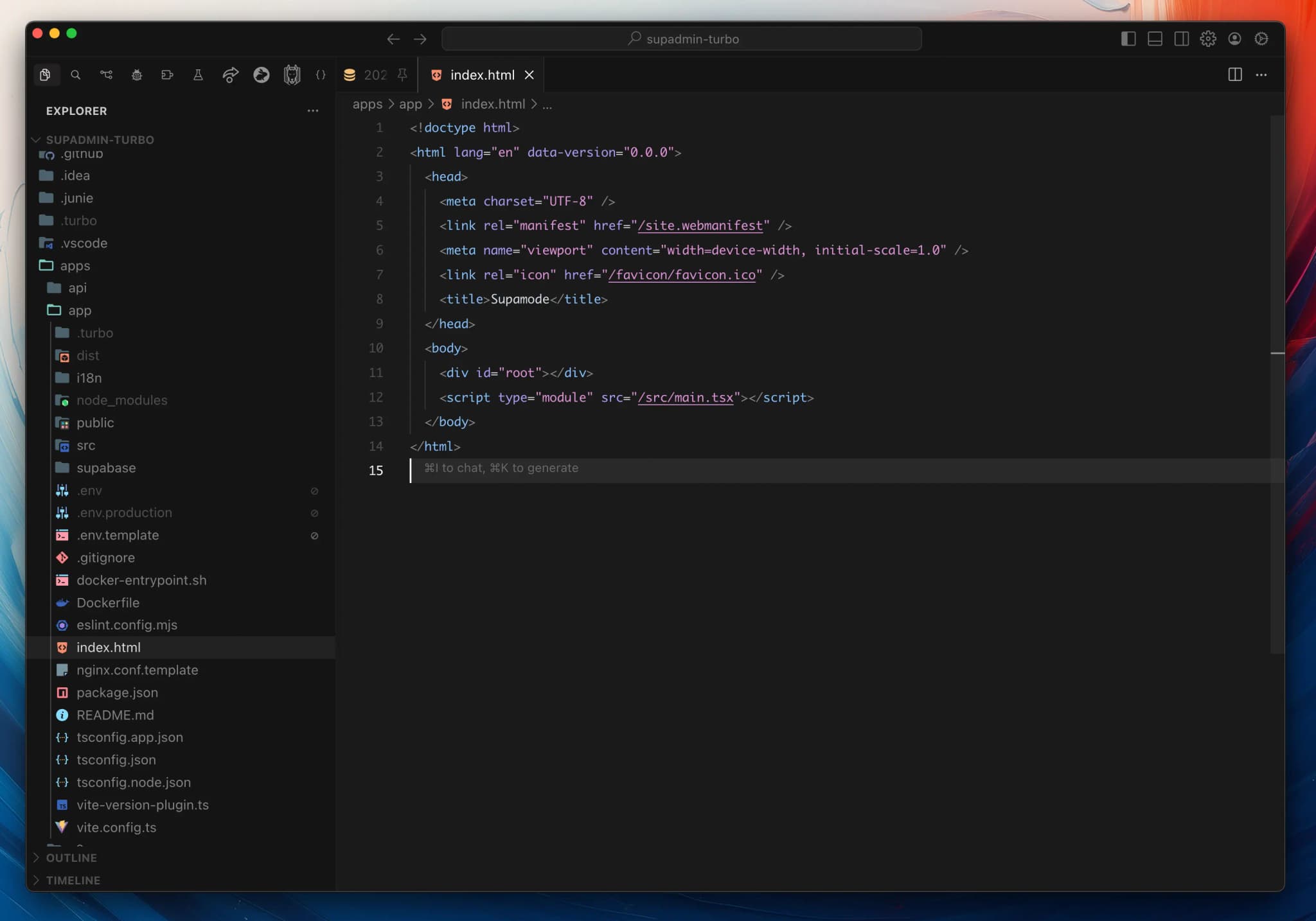
Deploy on Your Infrastructure
Host your admin dashboard on your own servers, cloud provider, or on-premises. Your sensitive business data never leaves your environment.
Perfect for enterprises with strict data residency requirements or teams that need complete infrastructure control.
Full Source Code Ownership
Every line of code is yours to modify. Customize the admin interface to match your brand, add company-specific features, or integrate with existing internal tools.
Unlike SaaS solutions, you're never locked into someone else's roadmap or limited by their feature set.
White-Label Ready
Remove all Supamode branding and make it completely your own. Perfect for agencies delivering client solutions or companies wanting a seamless extension of their existing tools.
Your team and clients see a perfectly integrated admin interface that matches your brand identity.
Unlimited Customization
Built with a modular React architecture that makes modifications straightforward.
Add new dashboard widgets, create custom form components, integrate with third-party APIs, or build entirely new admin sections.
Pricing
Pay once. No subscriptions, no per-seat fees.
$297one-time
Buy Supamode- Buy once, use forever
- Self-hosted, no monthly fees, no users limit
- Full source code customization
- Regular updates, bug fixes, and new features
- 1 year of chat support and updates (renewable)
$507.6one-time
Buy Pro Bundle- Everything in Supamode (lifetime access + 1 year updates)
- Full Makerkit Pro SaaS Kit (lifetime access/updates)
- Auth, billing, teams, and admin out of the box
- Perfect for solo founders
$744.9one-time
Buy Teams Bundle- Everything in Supamode (lifetime access + 1 year updates)
- Full Makerkit Teams SaaS Kit (lifetime access/updates)
- Auth, billing, teams, and admin out of the box
- Private Discord Threads
- Perfect for teams
Use it forever. Support and updates last one year; renewing is optional and costs half the license price.
VAT may apply in your country.
FAQ
Common questions about Supamode.
What is Supamode?
What is a Supabase admin dashboard?
Can I self-host my Supabase admin interface?
How do Supabase admin permissions work?
How does Supamode work?
supamode schema, so it doesn't interfere with your existing tables.I already have a SaaS Starter license. Do I need to buy Supamode?
Can I host it on Vercel, Fly, or on-premises?
Does it replace or complement Supabase Studio?
How quickly can I get this running?
Will this break my existing database setup?
supamode schema for its own metadata and permissions. It never modifies your existing schemas, data, functions, or RLS policies.