MakerKit vs IndieKit Pro: the short answer
Choose MakerKit if you are building B2B and want to confirm how each feature works before you pay: multi-tenancy, seat and metered billing, the admin panel, tests, and deployment are all documented publicly, and the kit adds an MCP server and a Supabase edition with Row Level Security. Choose IndieKit Pro if the lowest price, built-in background jobs, and founder mentorship matter most.
We build MakerKit, so we are not neutral. IndieKit features below are taken from its public site as of September 2026; where we could not confirm how a feature is implemented, the table says so.
Why developers look for an IndieKit alternative
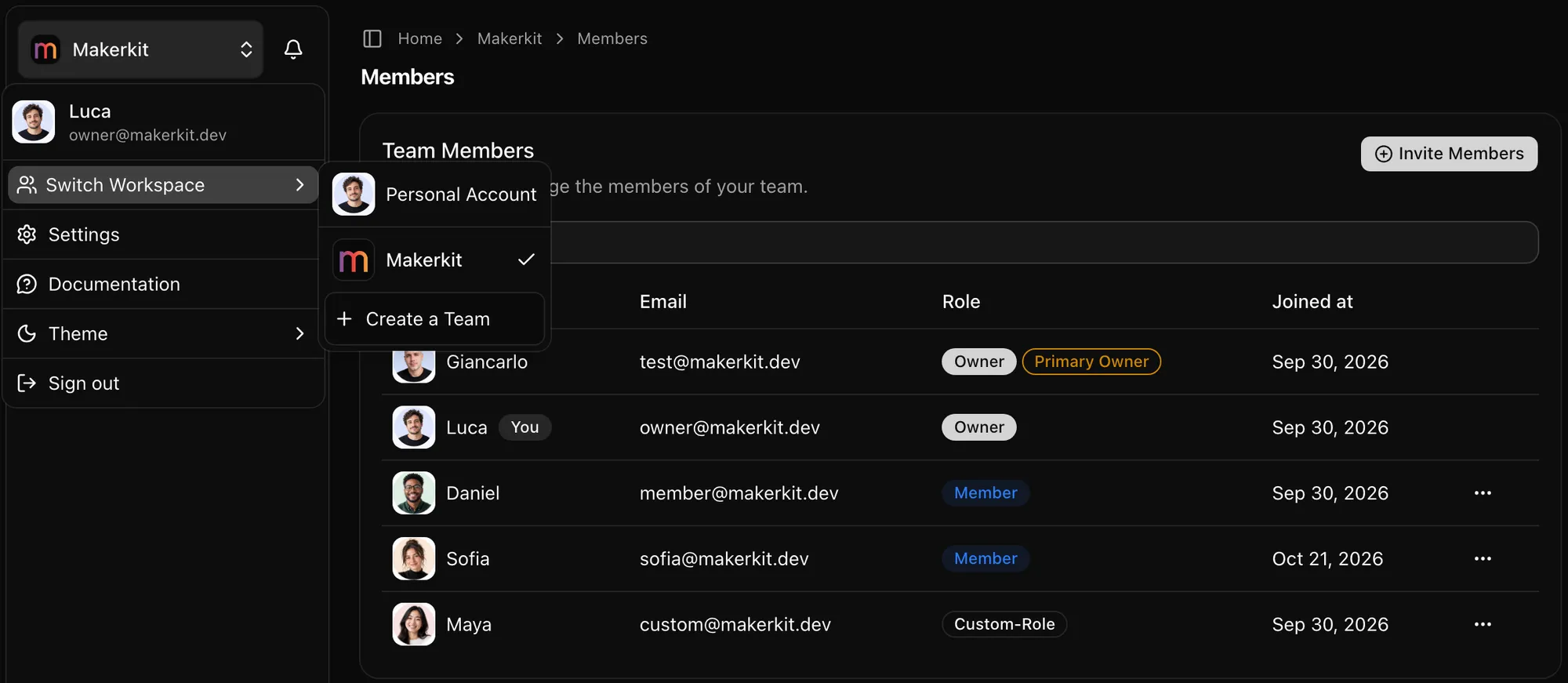
- A feature list is not an implementation. "Multi-tenancy" can mean an organization column or a permission model enforced on every query. MakerKit's public documentation (around 180 pages per Next.js kit) shows the schema, the role checks, and the billing webhooks before you pay.
- Tenant isolation in the database. On the MakerKit Supabase kits, Postgres RLS policies decide which account can read each row, so a missed check in application code does not leak another team's data.
- Tests they can run on day one. MakerKit ships a Playwright suite for sign-up, team invitations, and billing. We could not find a documented test suite for IndieKit.
- Agent tooling beyond rules. Both kits ship AI rules. MakerKit adds an MCP server so Claude Code, Cursor, or Codex get structured access to the kit's conventions.
MakerKit vs IndieKit Pro: feature comparison
A green check means the feature is documented with implementation details. "Listed" means the vendor's site names the feature but we could not confirm how it works. IndieKit checked September 2026.
| Feature | MakerKit | IndieKit Pro |
|---|---|---|
| Entry price | Pro license, one-time | Lower paid entry tier; check indiekit.pro for current pricing |
| Public docs you can read before buying | Around 180 pages per Next.js kit | Implementation depth varies by feature |
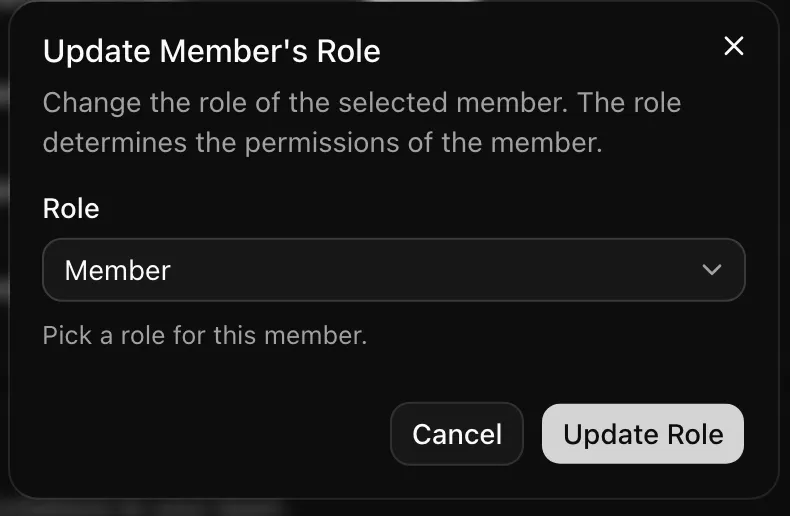
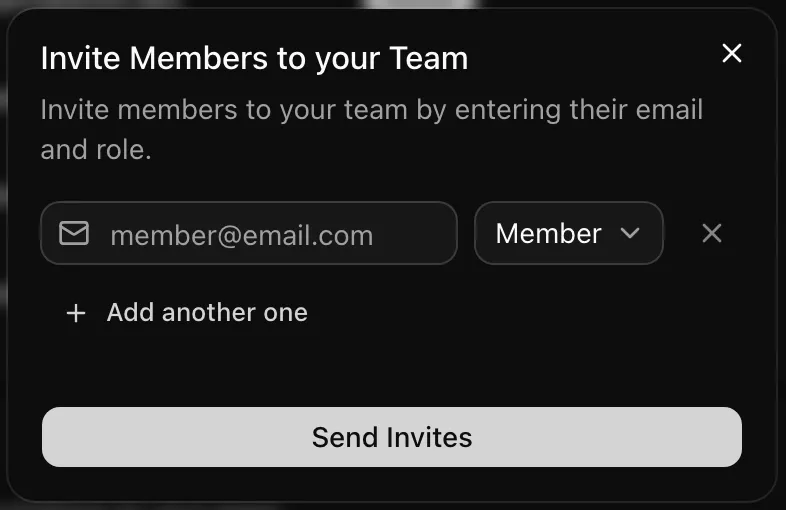
| Multi-tenancy (orgs/teams, invites, roles) | Team accounts with invitations and role-based permissions | Listed: organizations, invitations, roles |
| Account modes (personal/team/hybrid) | Personal-only, team-only, or hybrid via feature flags | Not documented |
| Seat-based billing | Per-seat plans documented in every kit | Listed: organization-level billing |
| Usage limits and metered billing | Plan limits, metered usage; credits recipe on the Supabase kits | Listed: quotas and plan management |
| Payment providers | Stripe or Lemon Squeezy (Supabase kits); Stripe or Polar (Drizzle, Prisma) | Listed: several providers |
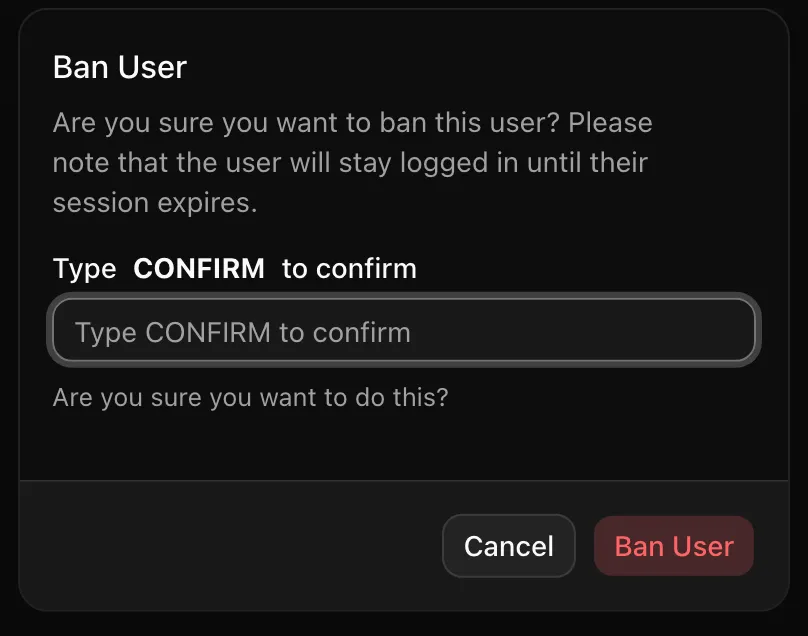
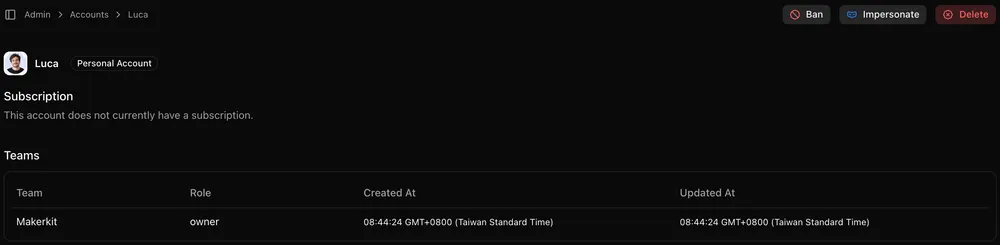
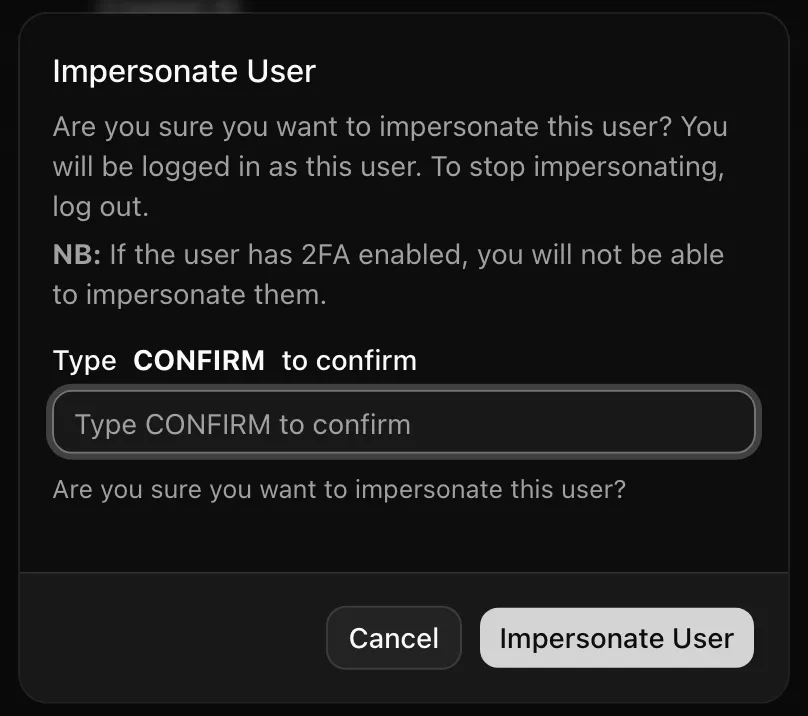
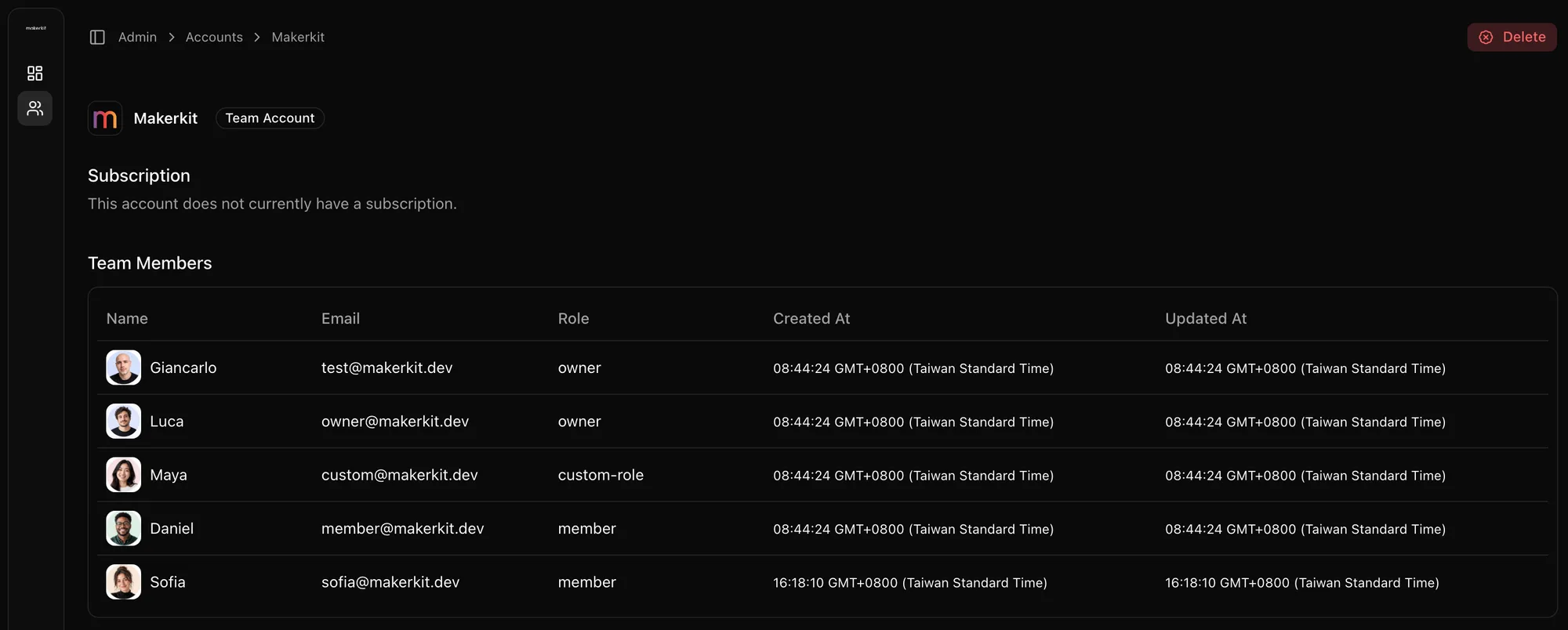
| Super admin panel | View, impersonate, and ban users | Listed: super-admin dashboards |
| Background and scheduled jobs | Database webhooks on the Supabase kits; bring your own job runner | Listed as built in |
| AI rules for coding assistants | AGENTS.md; rules for Claude Code, Cursor, Codex, Gemini, Windsurf | Core positioning: AI rules and skills |
| MCP server for coding agents | Included and documented | Not documented |
| Playwright E2E tests | Suite covering auth, billing, and team flows | Not documented |
| Internationalization (i18n) | Fully translatable UI | Not documented |
| Docker and Cloudflare deployment | Docker in every Next.js kit; Cloudflare guide on the Supabase kit | Not documented |
| Frameworks and mobile | Next.js, TanStack Start, React Router, Expo (iOS and Android) | Next.js |
| Founder mentorship | Discord support for the kit, not business mentorship | Part of the offer |
Legend: green check, documented first-class feature. Yellow minus, listed or partial; verify it yourself. Grey circle, not documented when we checked.
Where MakerKit wins, and where IndieKit Pro wins
MakerKit is the better buy if
- You sell to teams and want the tenancy and permission model documented, tested, and, on the Supabase kits, enforced by RLS.
- You want to verify the product before paying, through the docs and the dated changelog.
- You need i18n, Docker or Cloudflare deployment, or a Playwright suite from the start.
- You may need TanStack Start, React Router, or an iOS and Android app later.
IndieKit Pro is the better buy if
- Paid entry price decides it. IndieKit's entry tier is listed below MakerKit Pro.
- You want background and scheduled jobs wired in rather than adding your own job runner.
- Founder mentorship and a community focused on indie launches are part of what you are buying.
What you get with MakerKit
- The license: a one-time purchase that adds you to the private GitHub repository, with lifetime updates and unlimited products for your own business. See the license terms for Developer and Team licenses.
- Support: the Discord community, where the maintainer answers kit questions. Team licenses add a private channel.
- Try before you buy: the documentation is public, so you can read the architecture before paying. Because you receive the full source, refunds are generally not offered once repository access is redeemed; details in the FAQ.
Inside MakerKit
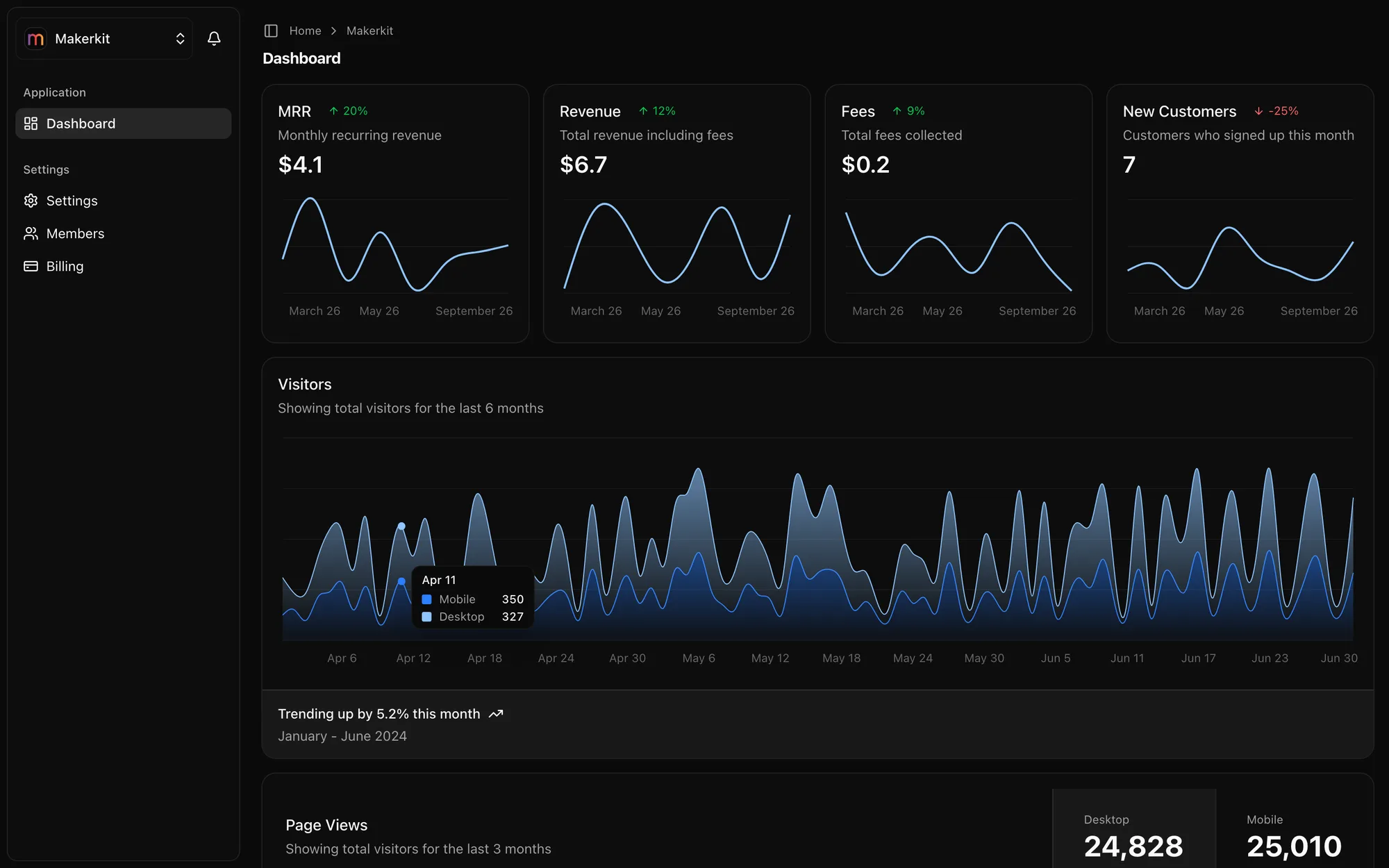
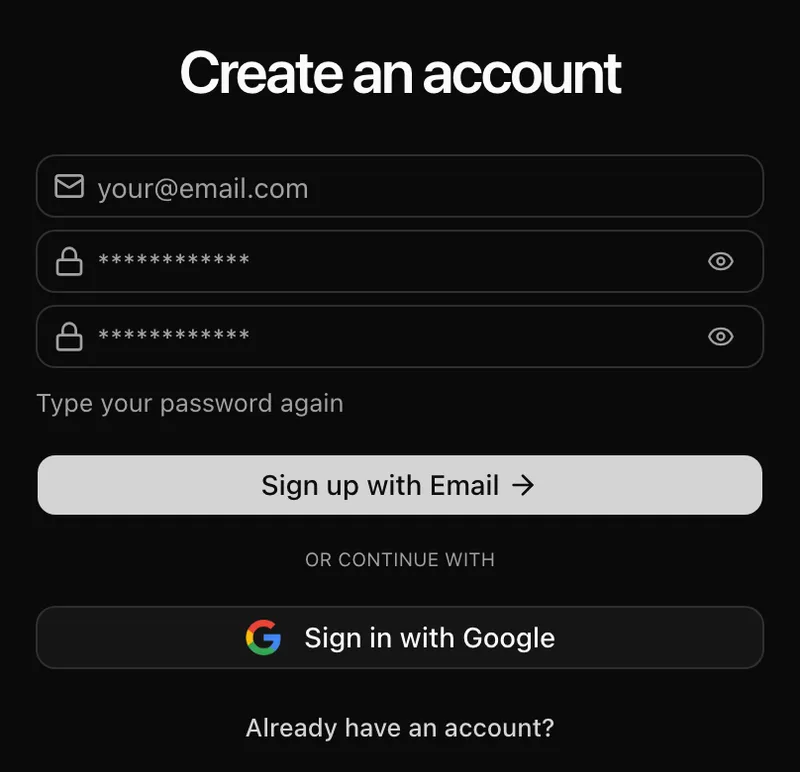
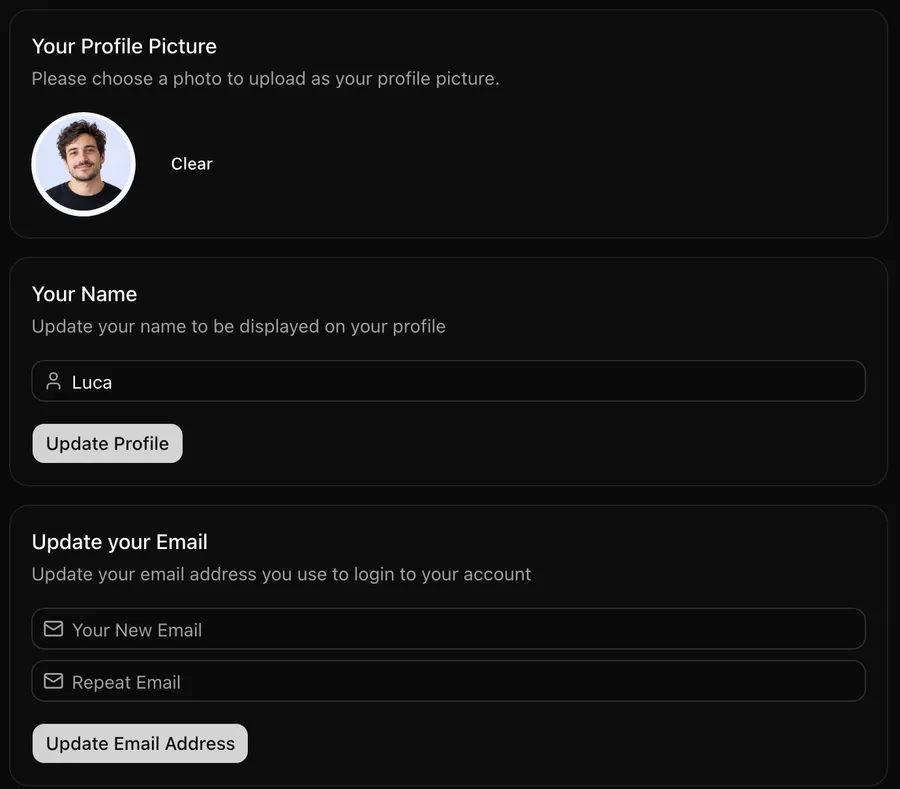
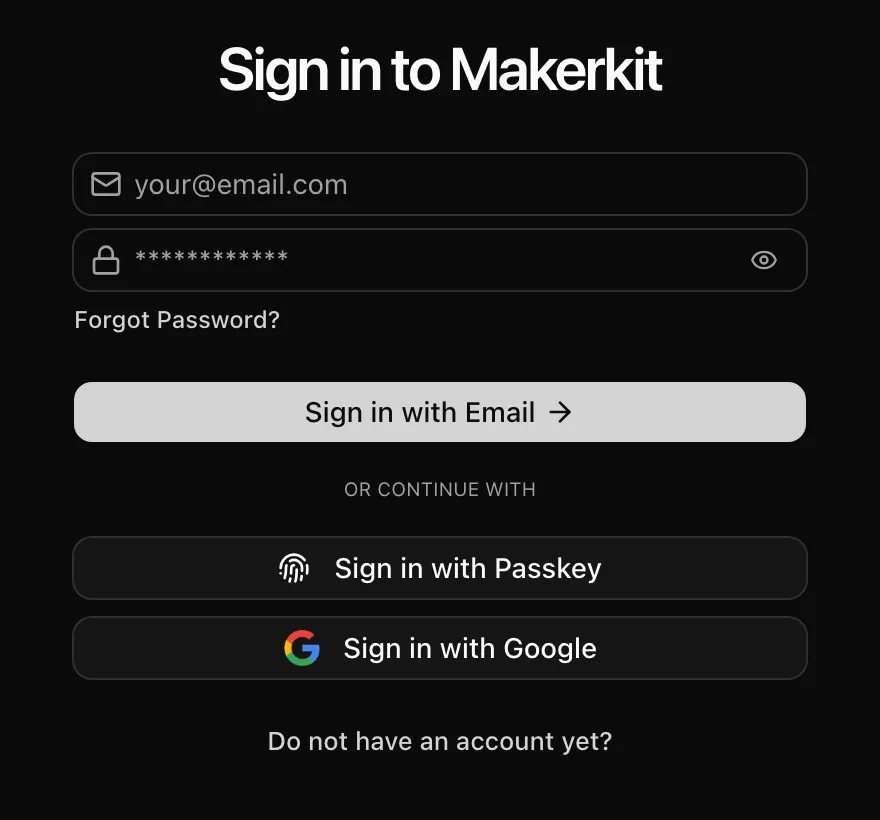

> Add a projects table scoped to team accounts
Context your harness loads
Root rules first, then the folder the agent works in
Products built on MakerKit
 AmplefoundAI-organic growth agent
 GondlaThe first content engine designed for Hybrid Search Visibility
 ConvoQualitative Research At Scale
 QA.techShip faster with AI agents that create and run your QA tests
 ReplybossFind relevant posts on X. Grow faster and sell more.
 ReplenoInventory management for craft & small businesses
See 16 more products from MakerKit customers +
- Badvisor · Unlock the Power of Web 3D
- iMaintain · Smarter Care for Everything You Own
- Blastra · Get In Front Of The Right Audience In One Go
- SNutils · Superpowers for ServiceNow Professionals
- Videotok · Create viral TikToks and Reels from text to video with AI
- Nero AI · The LLM powered scraper for LLM Apps
- FormLabs · Create & Analyze Your Bespoke Survey in Seconds
- Permitful · Permit tracking for architects
- Revarta · Practice Interviews to Land your Next Job
- ExtensionAuditor · Scan Browser Extensions. Detect Hidden Threats
- ShortlistIQ · AI Powered screening and hiring
- CareerKit · AI-powered career coaching for software engineers
- ChefGPT · AI-powered digital Chef to the rescue for never-ending delicious meals
- Superlines · The AI tool for Marketing
- YTSummary · Get the gist of any YouTube video with AI summaries
- CodeSnippets AI · GPT-4 and collaborate with your team to build your secure code snippets library
What customers say
Developers and founders on the kits, the docs and the support. Every quote links to the original post.
just wanna say thanks to @gc_psk for building @makerkit_dev . it is such an overpowered template. like finally we have a really good one with active development, good docs and now even cursorrules/windsurfrules to just sit down and see ai agents do the stuff. truly mindblowing.

Built and maintained full-time by Giancarlo, a software engineer with almost 15 years of experience at startups and enterprises. Support questions reach me directly.
My favorite so far is @gc_psk and @makerkit_dev ship cursor rules along with updates to the framework. That's been really useful to pull in new version (via git remote) and things stay in sync.
Just started using MakerKit and it's a total game-changer. 🚀 Wish I had this when I was building Phishr. Instant team management and billing? Insane.
Second that! Giancarlo provides amazing support!! 😄
You need to check @makerkit_dev by @gc_psk — it’s the best I’ve seen so far. It’s feature complete, plenty examples, amazing docs, great Discord community, the dude provides support even days after his weeding (which is crazy!) I’m not affiliated in every way, just a happy cx.
Honestly @makerkit_dev is great. More for B2B products but really clean and well documented.
Amazing! @gc_psk has built a masterpiece with this one!
I just stumbled upon @makerkit_dev (and you!), it's impressive, I thought it was a big team behind how many features I saw (and I've been working in software a long time!) I was just looking for a free boilerplate, but the lifetime licence makes it a no brainer. Thank you!
I would have totally agreed with you until… I found @makerkit_dev last year. This is by far, the best boilerplate I found those past years. The dev is pushing new features and updates almost every week. His documentation (specially migrating to Next 15) is the best I’ve seen.
Makerkit is a gem for makers, if I was not building a desktop app I would be using it for sure, maybe for my next project
I landed on MakerKit after getting into boilerplates with ShipFast. Much better.
1000% recommend buying a good boilerplate (or making your own) I use @makerkit_dev it's so good I had an affiliate link, but I can't find it at the moment
For anyone who wants to build their own SaaS, I recommend trying out @makerkit_dev. Thanks to @gc_psk for creating such a fantastic tool that makes building websites a breeze! #SaaS #buildinpublic
We loved the product since when Giancarlo released the first version, and are building upon it ever since for all of our products. Highly recommended for all indie makers out there.
Solid and battle tested boilerplate with an amazing community and support.
Check each row against the docs before you buy
A cheaper kit only saves money if it covers these rows, and you can only confirm that where the features are documented. With AI coding tools, that is still 49-81 hours of senior developer time, including fixing the patterns AI got wrong.
- Maintained full-time
- Since 2022
- Kits across 4 frameworks
- 8
- Data layers: Supabase, Drizzle, Prisma
- 3
Hours with Claude Code or Cursor · bar shows the range on a 0–25h scale
Estimates for a senior developer building from scratch with Claude Code or Cursor at $150/hour, including 15-25 hours refactoring AI-generated patterns. Read the methodology
Choosing MakerKit over IndieKit Pro? Pick your stack
One-time purchase: lifetime license, continuous updates, unlimited projects of your own.
- Lifetime access to your stack of choice
- Build unlimited applications
- Continuous updates
- Access to the Discord community
- The best support in the SaaS Starter kits market, period.
- Community and Chat support
- Community-based feature requests and Request for Comments. You have a say in what Makerkit should build next.
- One-time payment, no subscriptions
- Includes access to our free Figma UI kit
Choose your Stack
Select the technology stack that best fits your project
Questions about licensing?
Read the MakerKit license terms and the MakerKit FAQ, or contact me.
Why IndieKit Pro is popular
Price first. IndieKit's entry tier is listed below MakerKit Pro, which matters to indie hackers paying out of pocket; check indiekit.pro for the current tiers.
The feature list is also long for the money. Its site describes organizations with invitations and roles, plan quotas, a super-admin dashboard, background and scheduled jobs, email templates, several payment providers, and AI rules for coding assistants. It also sells on founder mentorship and community, which no code comparison captures.
Migrating from IndieKit Pro to MakerKit
Both are Next.js kits, so your React components and product logic move with you. Auth, tenancy, billing, and jobs are what you re-plumb.
| In IndieKit Pro | In MakerKit | What you rewrite |
|---|---|---|
| Auth library and users table | Supabase Auth (Supabase kits) or Better Auth (Drizzle and Prisma kits) | Import users, register new OAuth callback URLs, and expect users to sign in once after the cutover. |
| Organizations and members | Team accounts, memberships, roles, and invitations | Map organizations to team accounts and members to memberships, then map roles. Reissue pending invitations. |
| Plans and quotas | Billing config with plan limits, entitlements, and metered usage | Re-express each quota as a plan limit or usage meter, and link existing customer IDs to accounts. |
| Payment provider | Stripe or Lemon Squeezy (Supabase kits); Stripe or Polar (Drizzle, Prisma) | If you use another provider, write a custom billing integration (documented for the Supabase kit) or move customers to a supported one. |
| Background and scheduled jobs | Your own job runner, or Supabase database webhooks | Port job handlers to the runner you choose. This is the part MakerKit does not provide. |
| Email templates | React Email templates and the kit mailer | Port templates and point the mailer at your email provider. |
- Match your ORM: if your IndieKit project uses Drizzle, start from the Next.js Drizzle kit. If you want RLS and Supabase Auth, start from the Next.js Supabase kit.
- Map organizations to team accounts using the multi-tenant SaaS architecture guide, then port product tables and features.
- Recreate plans and quotas in the billing config.
- Rehearse the data import on staging, then switch DNS and the payment webhook together.
IndieKit Pro is cheaper. Why isn't it the obvious choice?
Because IndieKit's B2B depth is not documented publicly, and MakerKit's is. Teams, roles, seat and metered billing, the admin panel, and E2E tests each have a docs page you can read today. If you need those, the price gap is smaller than the work of confirming or building them after purchase.
Both kits mention AI. What is the difference?
Both ship rules that tell coding assistants how the codebase works. MakerKit also ships an MCP server that gives agents such as Claude Code, Cursor, and Codex structured access to the kit.
Does MakerKit include background jobs?
Not as a built-in job runner. The Supabase kits document database webhooks, and you add a job runner of your choice for scheduled work. If built-in jobs are a must, IndieKit lists them.
How do I verify what is in any starter kit?
Read the documentation, not the feature list. If a feature has no implementation details (schema, configuration, where the checks run), treat it as unconfirmed. MakerKit's docs are public at makerkit.dev/docs.
Spotted something out of date about IndieKit Pro or MakerKit? Please contact us and we will correct it.
Compare other SaaS starter kits
Buy the kit you can verify. Choose MakerKit.
Every feature on this page has documentation you can read today. If you are building a B2B SaaS, that certainty costs less than rebuilding the undocumented parts yourself.
Check every feature in the docs